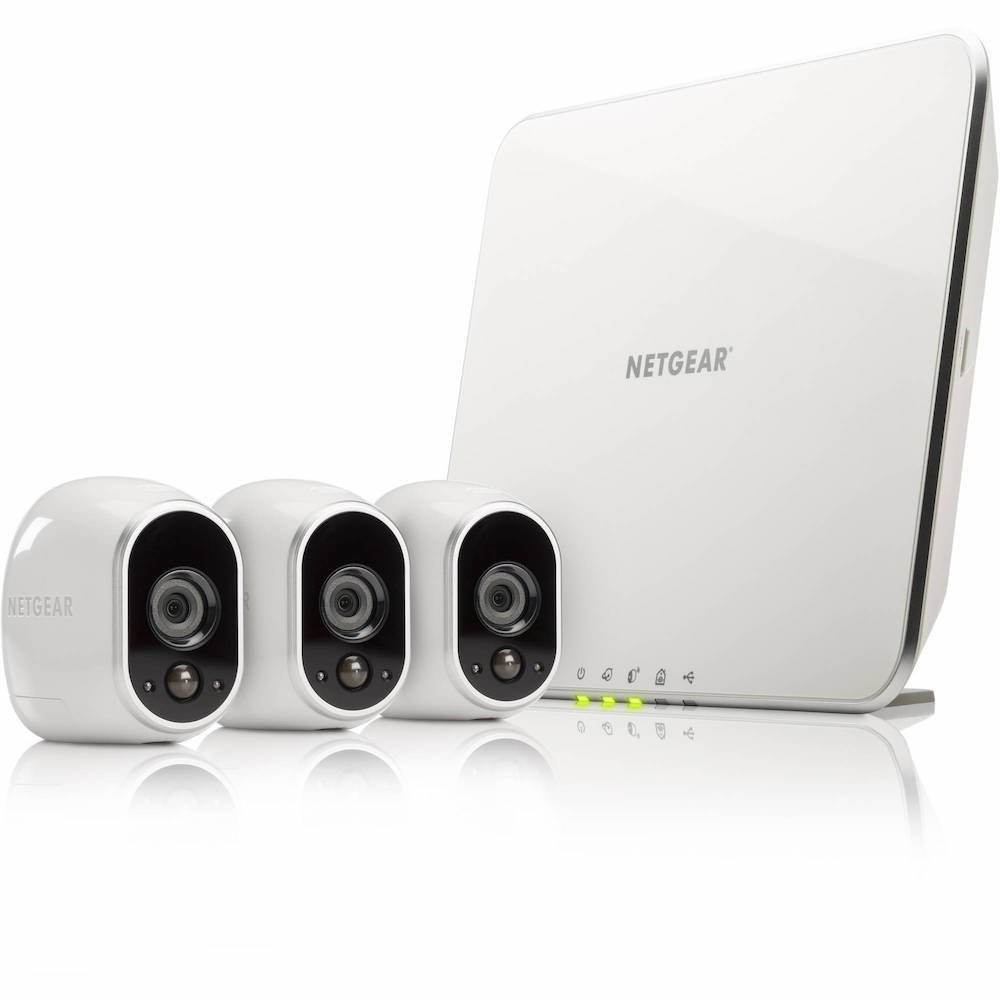
The Arlo Wireless Smart Camera is the one that caught our attention as much because it is wireless, with a great Design and features. So here’s everything you need to know about the Arlo Small Smart Camera.
A WIRELESS SMART CAMERA
what peaked my interest the most in the Netgear Arlo is its wireless capability! which is really great! It means that :
- it is not necessary to place it close to a power outlet.
- It is not necessary to adjust your electrical installation and outlets to put the camera where you want.
- The electricity bill will not increase
- And we can move the camera when you want and where you want, without having to tinker or complicate your life.
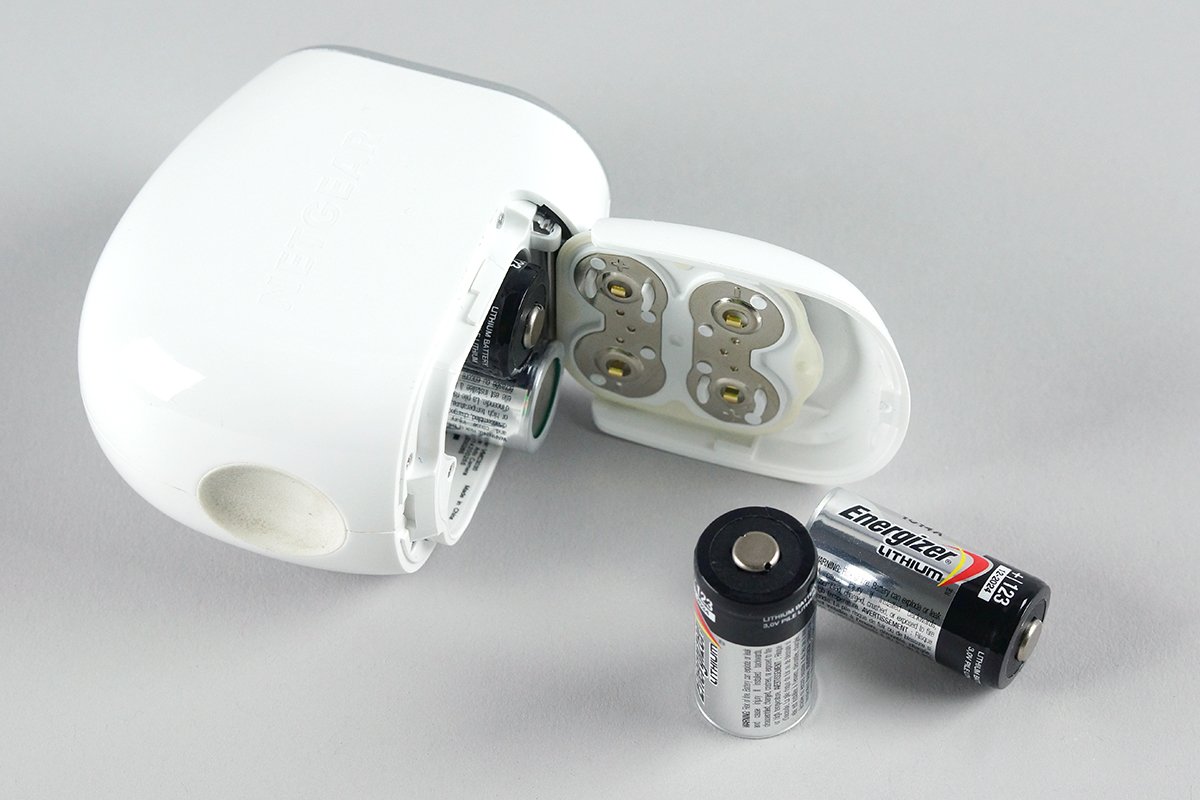
Moreover, since you do not need to plug it in, all you have to do is put batteries that will last about 6 months. What will give you peace of mind for a long time!
AN INDOOR AND OUTDOOR CAMERA
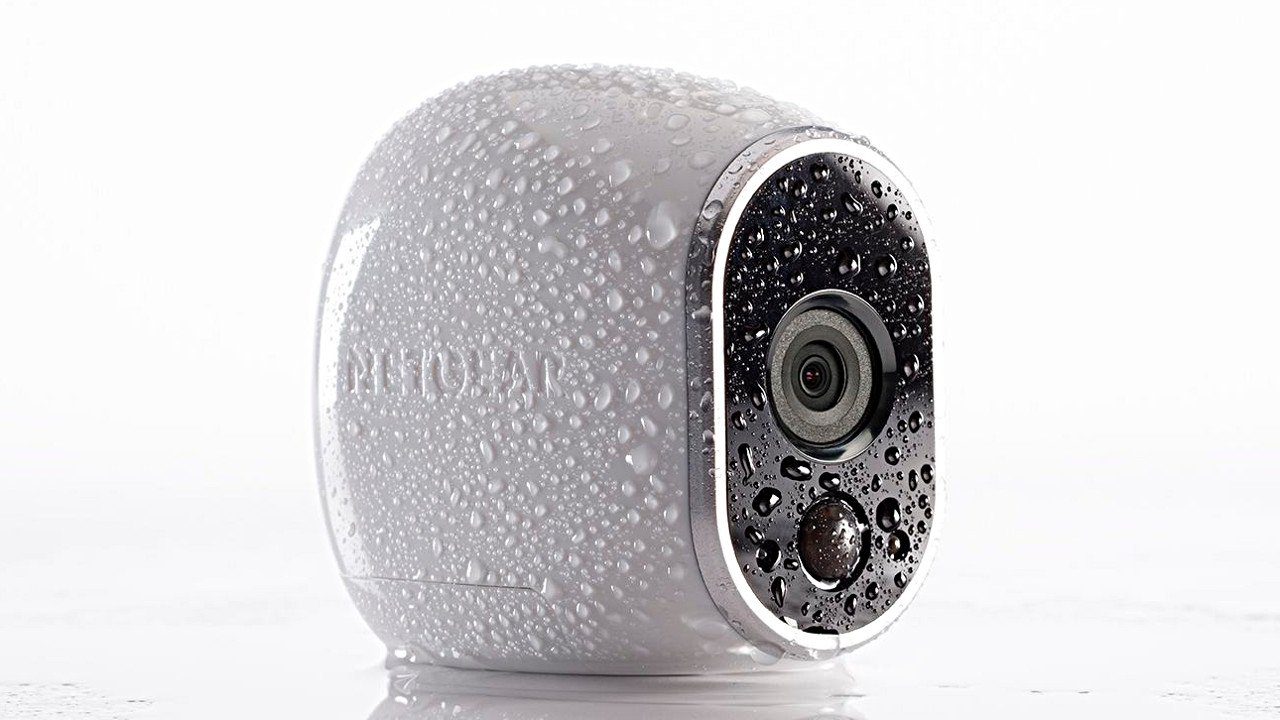
Since it does not need to be plugged in, the Arlo camera can also function as an outdoor camera, especially since it is waterproof. It will therefore withstand the weather and operate in a temperature between 14 and 122 degrees.
SMART NOTIFICATIONS FROM THE CAMERA
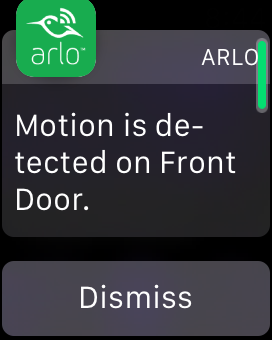
The camera will not film non-stop. It will mostly start the recording as soon as it has detected movements. And at the same time, it will also send a notification to indicate that a movement has been detected, in case you want to see it live from your smartphone.
HOW GOOD IS THE QUALITY OF THE VIDEOS OF THIS HOME CAMERA?
Arlo is an intelligent HD security camera. meaning, it can shoot with a resolution of 1280×780. Some will shout saying that it is “only” the 720p but we must keep in mind 2 things:
- it’s NOT videos you’re going to watch on your 120-inch super screen
- These are videos to be uploaded and streamed live. As a result, the higher the quality of the video, the more it will require a great internet connection for it to work properly. Not to mention that we can add up to 5 cameras in the free version (for storage)
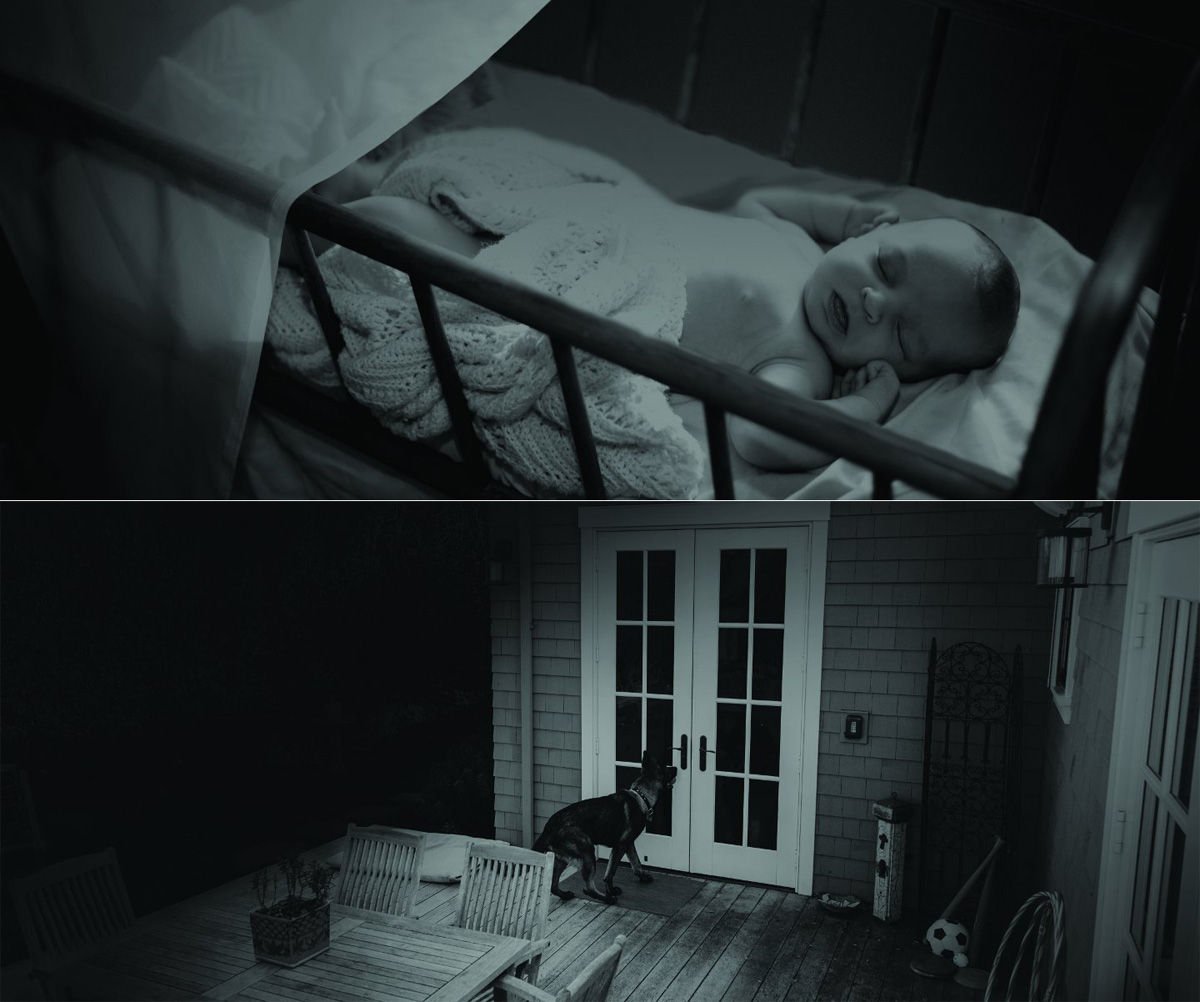
So as long as you see the faces well enough and what’s going on, that’s what is the most important! In addition, the intelligent security camera can film at an angle of 110 degrees and can also shoot overnight by automatically switching to infrared mode.
AND HOW TO WATCH THE VIDEOS?
Arlo offers several ways to view. For example, you can view videos on
- Your mobile via the app
- Apple TV
- Or a web browser
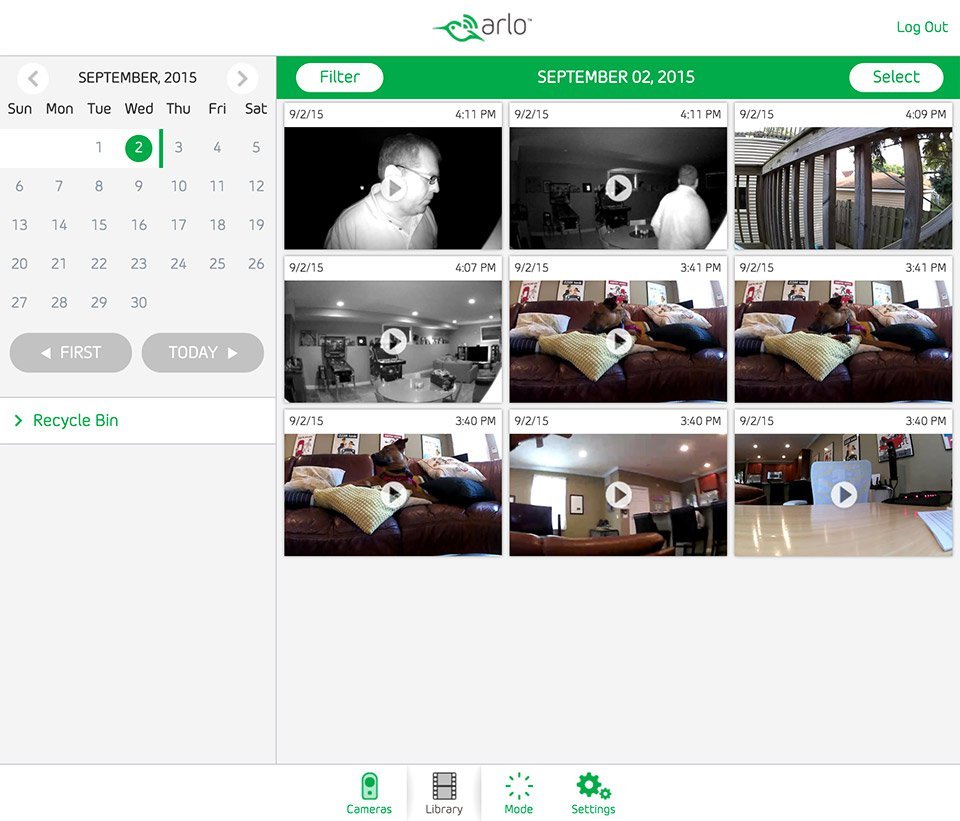
AND HOW IS THE APPLICATION OF THIS SMART WIRELESS CAMERA?
In the camera application, it is possible to find the videos by date and time. Also, as noted above, the camera will start recording only when it detects motion. As a result, you will not end up with millions of videos with absolutely nothing happening there. You will only have the most important videos.
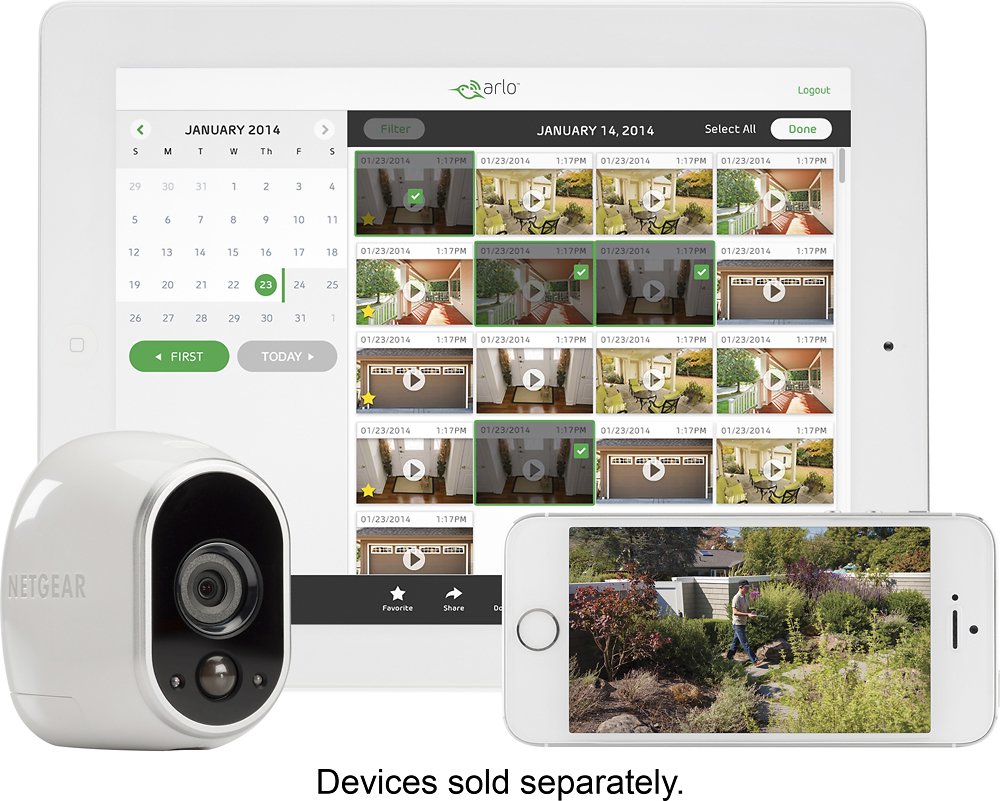
A CAMERA COMPATIBLE WITH IFTTT
For those are not familiar with it, IFTTT is a free online service that allows you to program automated actions. For example, IF this happens THEN do this. In the case of Arlo, this could set up settings such as
- IF I leave the perimeter of the house THEN triggers surveillance
- IF I go inside the house THEN turn off Arlo
- If Arlo’s batteries are low THEN add a reminder to buy batteries
- etc.
This can allow to add new features and especially to automate some processes. You can also find examples of automation of the Arlo camera here . The downfall is that Arlo is not compatible with HomeKit. It would have been much easier to automate scenes …
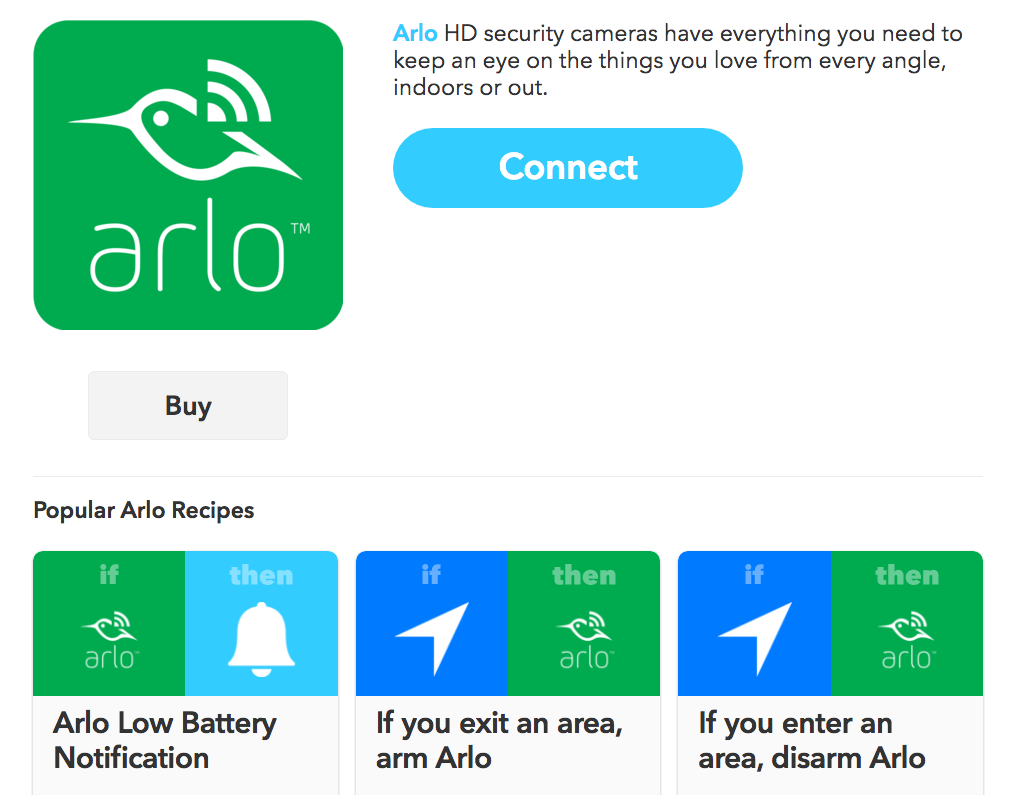
HOW TO INSTALL THE WIRELESS CAMERA?
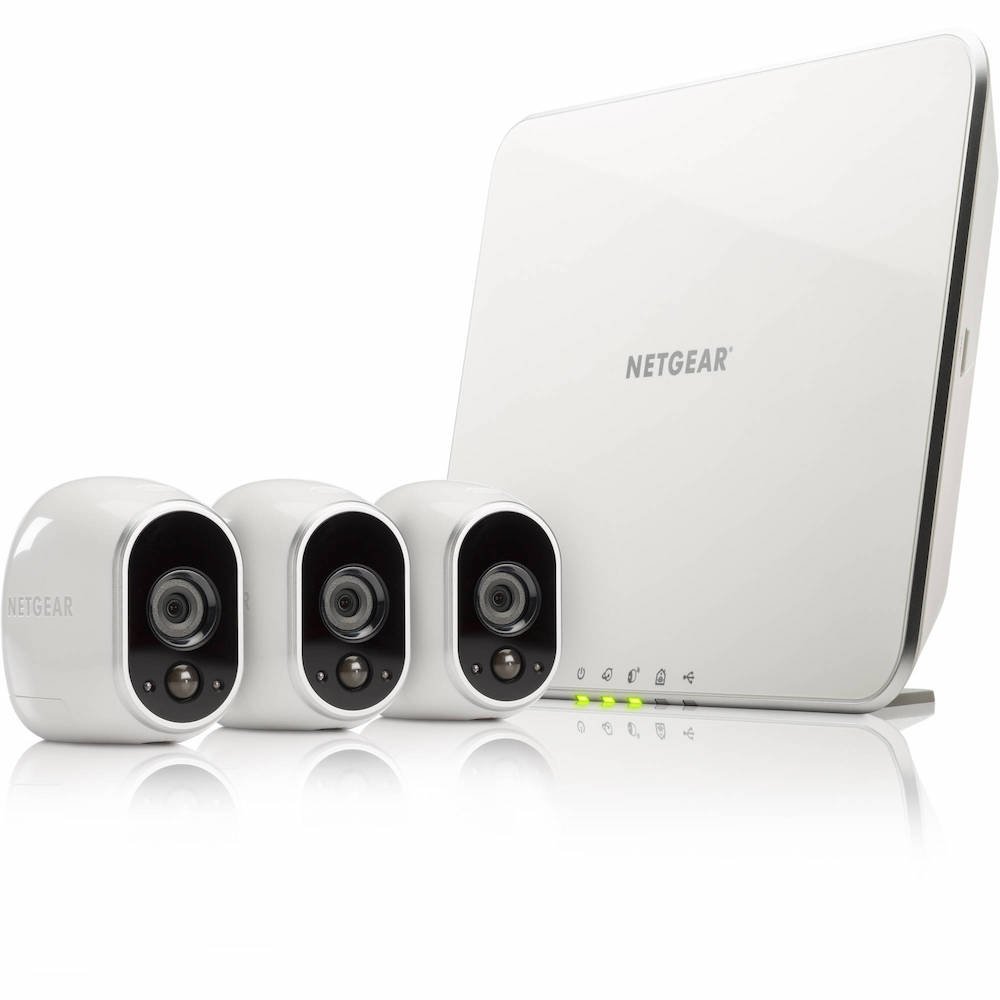
Finally, one of the most important questions: how to install this whole system of home security? Already, you should know that there is the base station that will centralize the communications of different connected cameras. It will therefore it is connected to the internet.
Then, we must install the different cameras (in case we have several). For that, we can for example
Put a connected camera on top of furniture
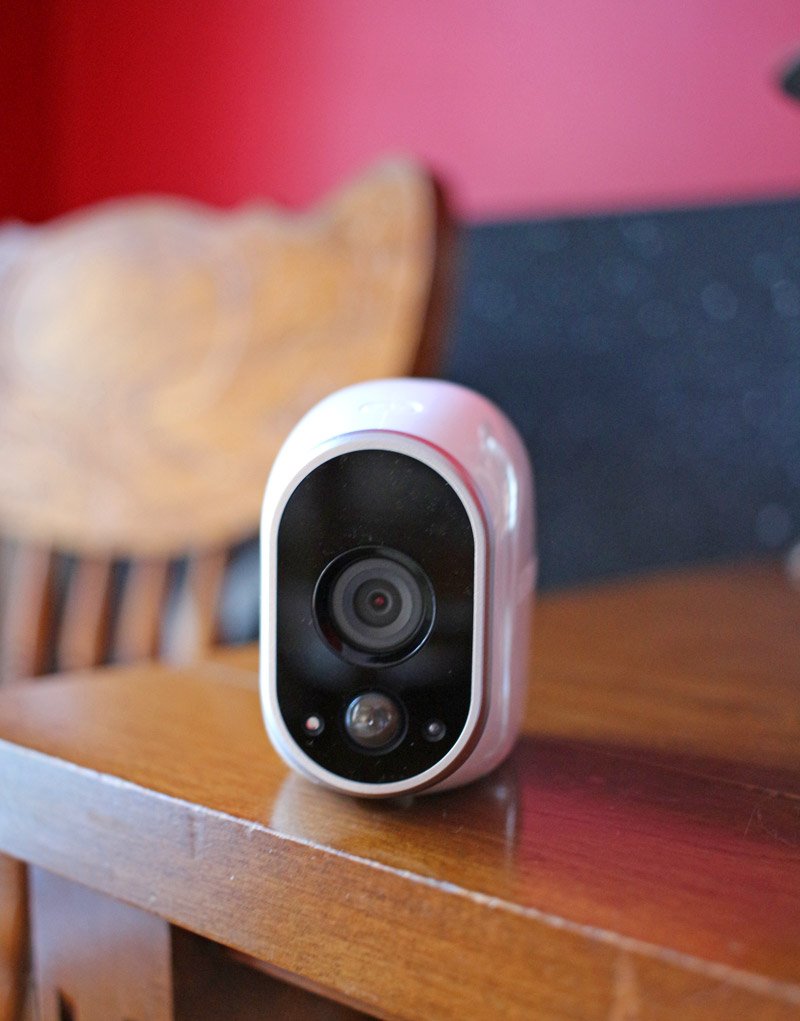
attached a Smart Camera on a metal surface thanks to its magnetic support
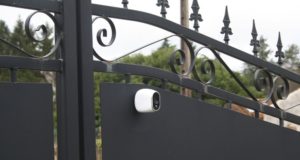
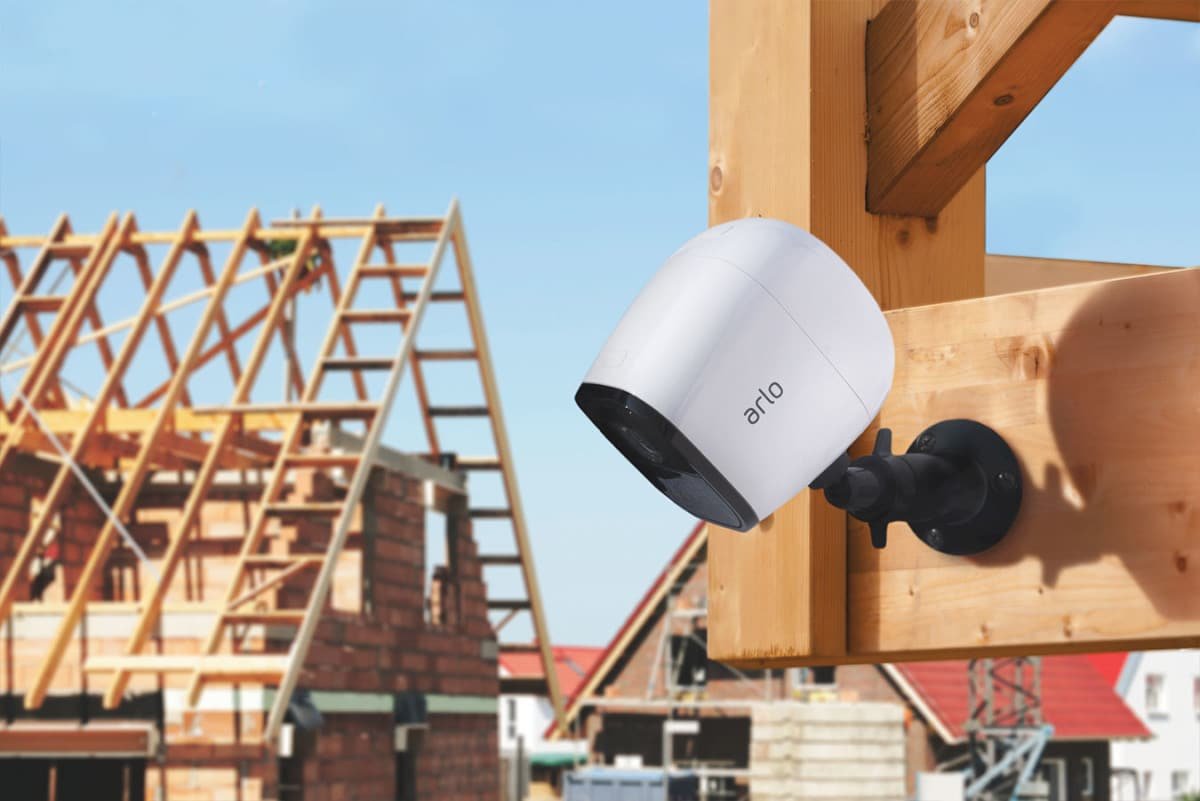
Or, use the mount provided and then attached it to the magnetized camera to it (but in this case, it will be necessary to have a drill and know how to drill holes to install the mount)
SHOULD I PAY FOR STORING VIDEOS?
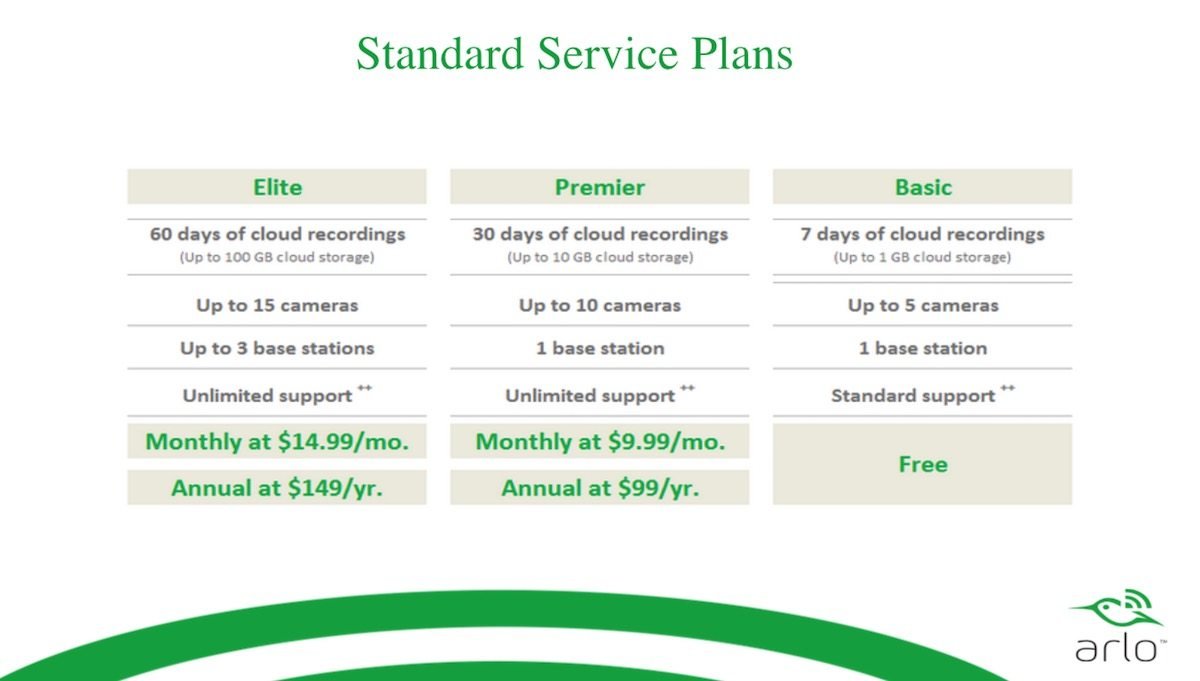
Arlo offers two types of subscriptions. A free subscription and another one paid. The free subscription allows you to store its videos on their servers for up to 7 days and up to 1go. In addition, in the free version, the security system will support a maximum of 5 cameras. to bypass these limitations, it will need a paid subscription. Personally, I find that storage for up to 7 days is entirely sufficient. I do not see the need to keep the videos for a million years, especially since the camera will record as soon as there is a movement to detect. So from there, you will be able to know when it is recording and especially you will be able to recover the video right after. So unless you need to install more than 5 cameras no need for a paid subscription.
IN CONCLUSION
For the Arlo security camera. For my part, I really like the design and the fact that it is wireless attracted us a lot. Moreover, the fact that I can add other cameras super easily and install everything with great ease is a huge good point too. As we said, the fact that Homekit is not supported makes us a bit disappointed, but at least there is the support of IFTTT
One more detail, the Arlo has no audio detection and does not record the sound. To have it, you will need the model pro model, which offers other functions such as charging batteries, a built-in alarm box, audio recording, etc.