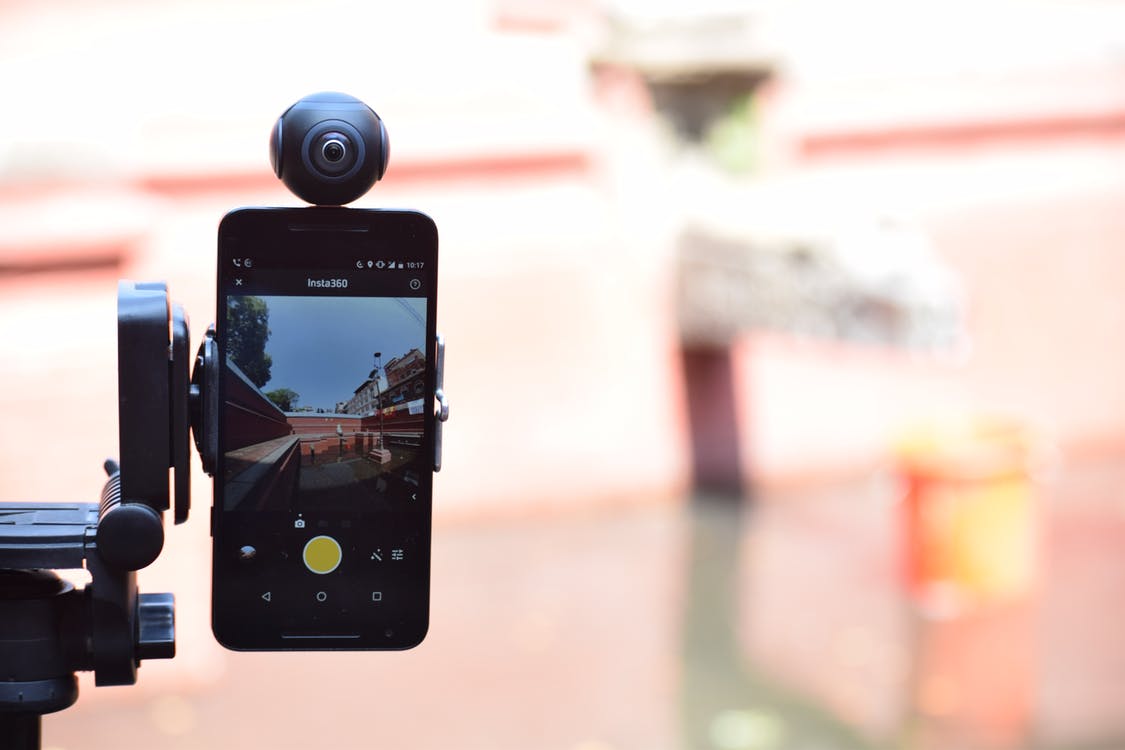
If you’re going on Vacation, at a concert, at a party or even just on a walk, and if you’re a person who loves immortalizing every moment in a video, then this camera Insta360 will be perfect for you!
FILMING IN 360
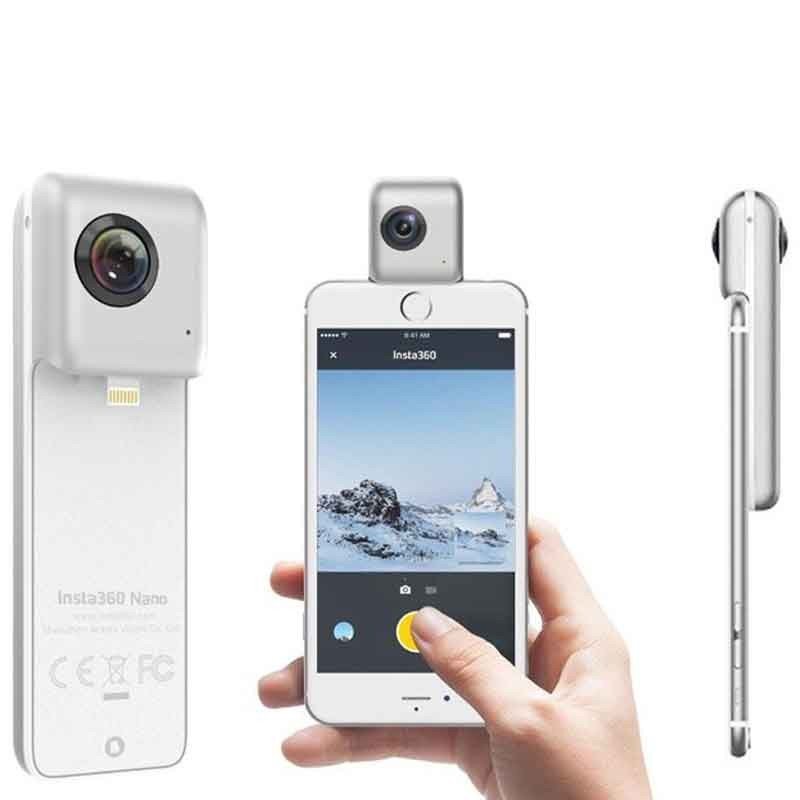
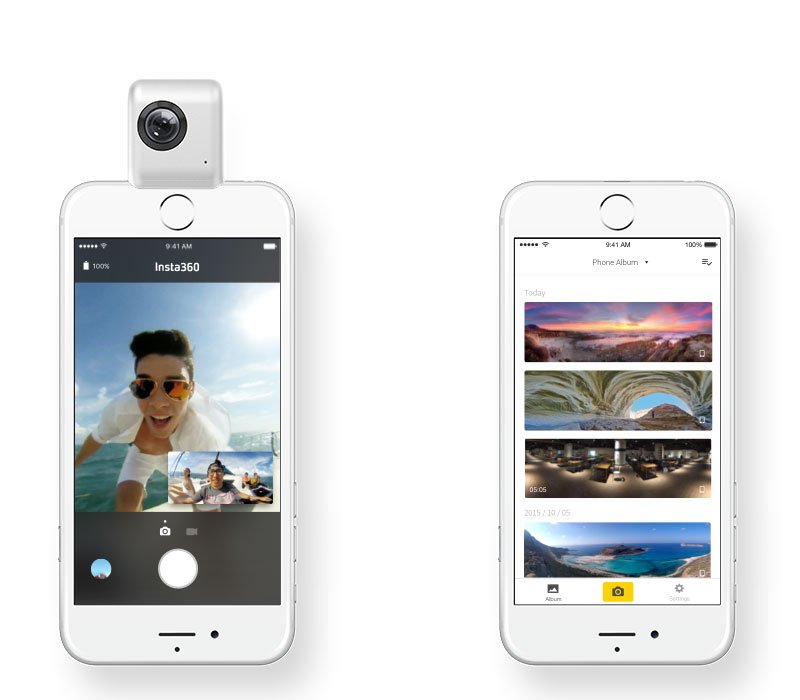
As its name suggests, the Insta360 can shoot in 360 degrees. Its particularity compared to other 360 cameras is that it connects directly with an iPhone. We will then use the screen of the iPhone to see directly what is being filmed in 360.
HOW TO USE THE INSTA360 NANO?
As shown above, you connect the 360 camera to the iPhone. On his Lightning plug more precisely. Then you have to download the dedicated application to decide if you want to take a 360 photo or a 360 video. And when you make your decision, you can view the result via the app naturally.
THE TWO MODELS OF THE INSTA360
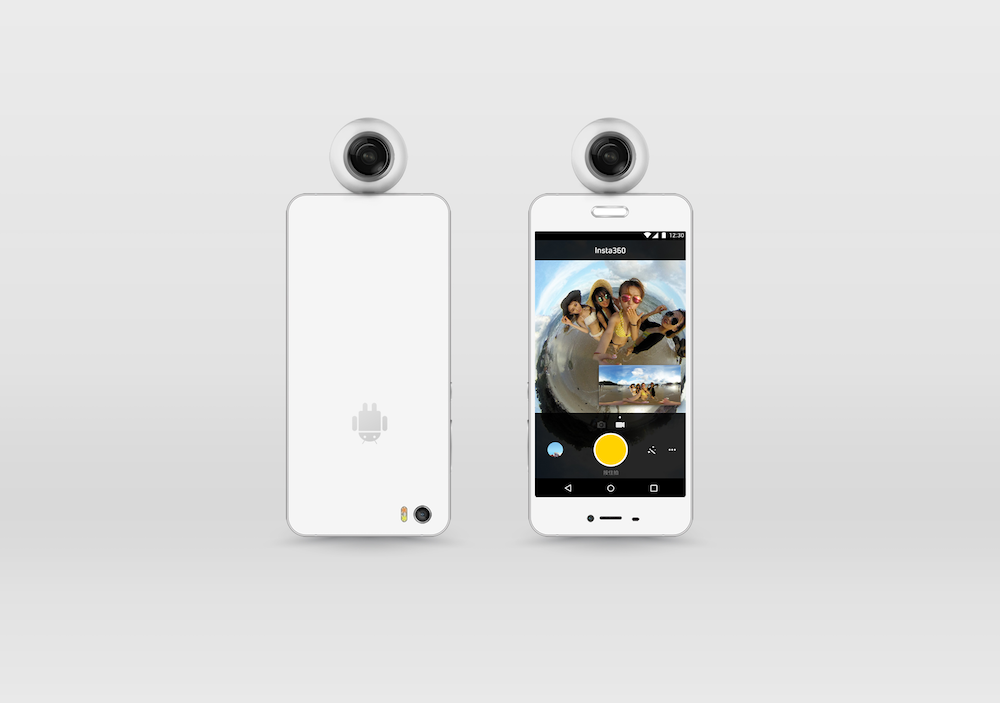
You should know that there are two types of models for the Insta360. There is the Nano version that is compatible only with the iPhone and the Air version which is only for Android. (For the moment, I am quite disappointed, because I find the design of the Insta360 Air much more attractive than its counterpart for iPhone …)
A STAND-ALONE BATTERY FOR THE INSTA360 NANO
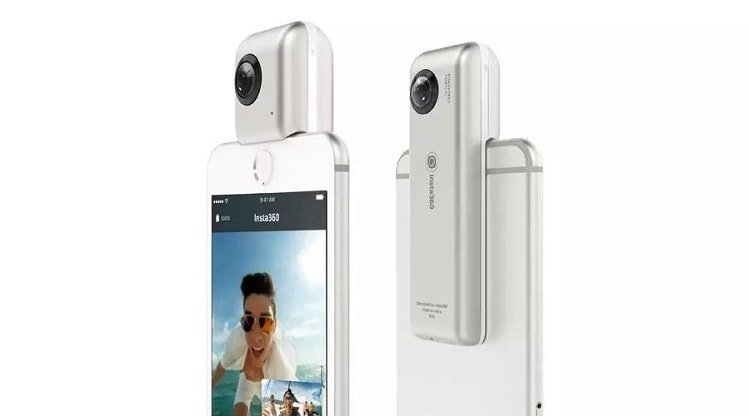
Anyway, the Insta360 Nano has its own battery that lasts about 70 min when used. Subsequently, it can be recharged via a micro USB port. Which is pretty boring … I would have preferred via a Lightning port not to be forced to lug around with another USB cable. Then, the spherical camera uses its own battery so as not to drown that of the iPhone. Personally, I would have preferred that it takes from the battery of the iPhone! That way, I would not have had yet another device to worry about charging at night and especially to keep checking that it still has the battery before use. And if it drains the battery of the iPhone too much, I would have just used an external battery to recharge … short, and simple!
AND THIS 360 CAMERA MAKES BEAUTIFUL VIDEOS IN 360 ??
You should know that this ANP 360 for iPhone can shoot in 3K which is 3040 × 1050 px. So, if you look at the result on the iPhone, the quality will be at the correct, but as soon as you want to watch it on a big screen or on the social media, the quality will take a hit.
CAN you SHARE 360 VIDEOS ON YOUTUBE?
One of the nice features is that you can easily share our 360 video directly on YouTube to show to your friends. Anyway, as said above, the quality will take a lot but the experience is still interesting to live a specific moment with all its surroundings. By the way, here are some examples on YouTube.
HOW TO SHARE 360 PHOTOS WITH MY FRIENDS?
The 360 photos can be shared directly on Facebook. The social network allows native viewing of 360 content (photos or videos). Your loved ones will have no trouble in experiencing the 360 experience on Facebook.
WHAT DO I THINK OF INSTA360 NANO?
The 360-degree spherical camera seems to be a pretty interesting product. The fact that it is possible to connect it directly to the iPhone really impressed me a lot and the fact that you can share your experiences easily on Facebook or YouTube is a big plus! Where it’s downfall is that you lose a lot of the quality when you share your 360 videos. when it comes the price ( you can check here), we will say that it is relatively affordable. Because to get drastically better quality, it is also necessary to increase the amount you spend. Also, it was more in my budget :). So to try out the 360 recording and picture snapping experience, I think it’s really not bad! Besides, I forgot to mention, it is also possible to live the 360 experience via a VR headset for a greater immersion!