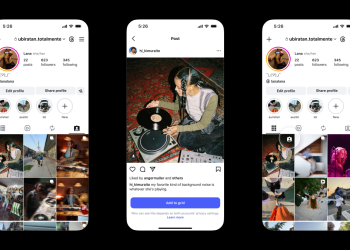
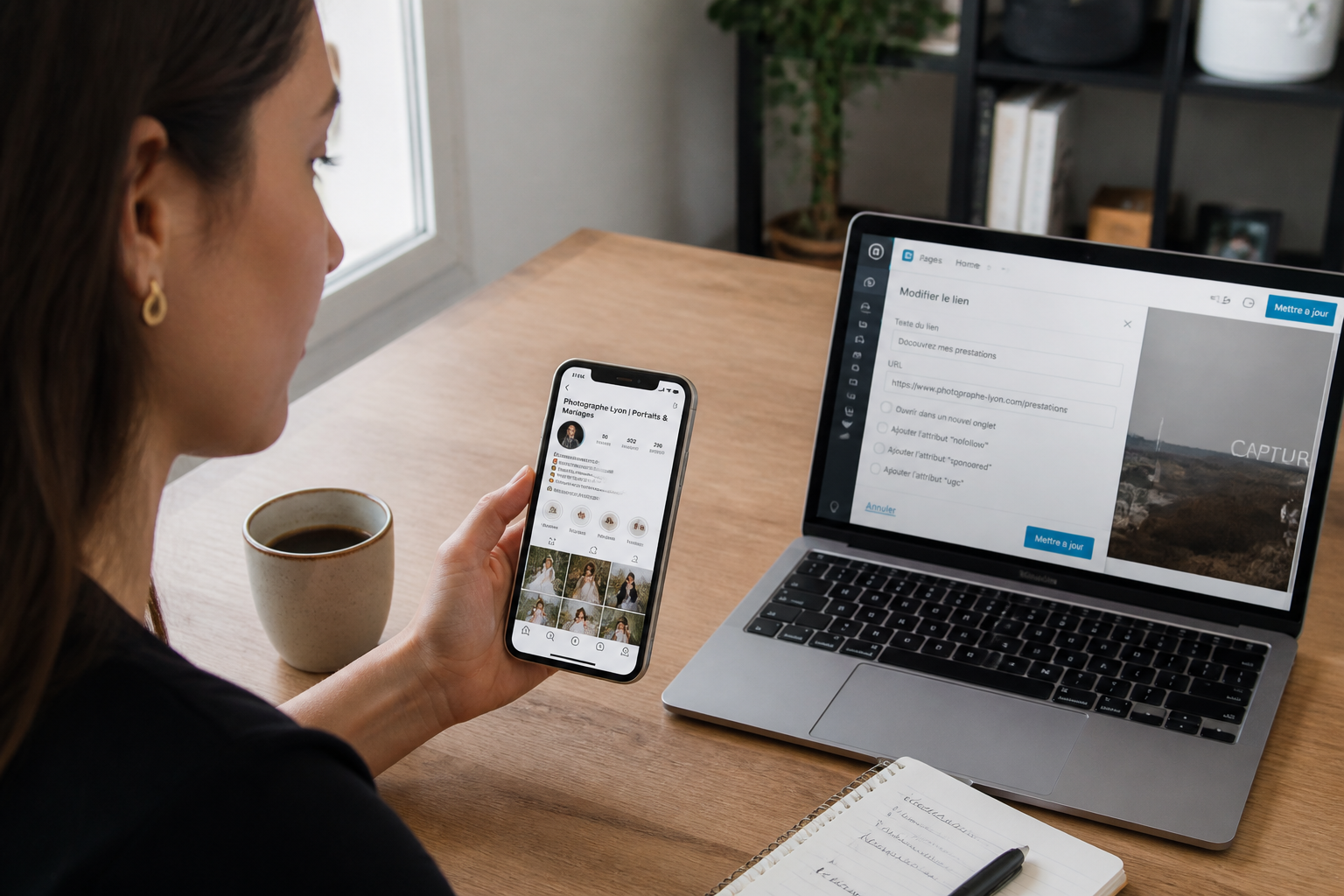
Upgrading a personal account to a business profile is entirely free and grants you access to deep analytics, business categorizations, and advertising tools. Without making this switch, you remain entirely in the dark regarding how well your posts actually perform. Once your business profile is active, your display name—the text right beneath your profile picture—can incorporate targeted, strategic keywords. Instagram’s search algorithm parses this field as a major relevance signal within the Explore tab. For instance, if you operate as a photographer in Chicago, your display name could read, “Chicago Photographer | Portraits & Weddings.” This boosts your organic visibility at zero cost.
How to craft a high-impact bio within the 150-character limit?
Your bio serves as the sole clickable real estate on your profile. Leverage it to direct traffic straight to your main website, a landing page for bookings, or a featured special offer. Steer clear of third-party link aggregators like Linktree, which route your visitors away to external domains and strip you of data ownership. Instead, set up a dedicated landing page on your own website that bundles multiple destinations while keeping users firmly immersed in your brand ecosystem.

Within your 150-character description, avoid wasting valuable space on hashtags. Focus instead on a crisp, punchy sentence: detail what you do, who you serve, and why people should hit follow. Include your geographical location if your business serves a specific region, and sprinkle in a few emojis judiciously to improve reading rhythm without sacrificing clarity.
What content formats should you prioritize to capture attention and spark engagement?
According to data from Hype Auditor, Reels currently reign supreme as the top-performing format for reach. They are perfectly tailored for bite-sized messaging: quickly breaking down a concept, showing off a product in motion, or sharing a professional hack. Stories, on the other hand, thrive on raw spontaneity—showcasing live events, daily inspirations, or behind-the-scenes glimpses. They magnify the human and responsive side of your brand.
On your main feed, carousels (combining multiple images or videos into a single post) consistently achieve higher engagement rates than standalone pictures. They compel users to swipe left, thereby increasing the time spent consuming your content. Make sure that your overall grid layout maintains a polished, cohesive aesthetic that aligns seamlessly with your visual identity guidelines.
How to organize your Highlights so they genuinely serve your audience?
Story Highlights sit directly beneath your bio and frequently represent the first impression a visitor gets after scanning your introduction. Group them logically by theme: products, customer testimonials, tutorials, or events. Keep the volume of stories per highlight tight to avoid overwhelming the viewer; one to three segments per category are usually plenty to give a solid overview. Major brands often utilize clean, visual highlights to effortlessly steer their audience toward essential information.
These curated sections also provide a fantastic archive for past marketing milestones, such as trade shows, product launches, or special campaigns. They demonstrate to visitors that your account is active, organized, and professional.
What common mistakes should you avoid to protect your brand credibility?
Inconsistent posting ranks among the most frequent pitfalls. An account that lies dormant for weeks signals to potential clients that the business might be neglected or unreliable. Establish a clear content calendar and rely on scheduling tools to stay ahead of the curve. Consistency vastly outweighs sheer volume: posting three well-crafted updates a week beats firing off low-value updates every single day.
Another misstep is overlooking your profile picture. Stick to your logo, but opt for a simplified version if your branding features heavy text, as simplified icons scale down much better on mobile screens. Finally, never leave your bio outdated for months on end. If your offerings, location, or primary links change, update them immediately. Visitors who land on a profile displaying stale information often bounce without a second thought.
Should you invest in a professional photographer or stick to DIY content?
Visual polish acts as a major differentiator on Instagram. If your budget allows, hiring a pro for a foundational bank of imagery—such as product shots, team headshots, and workspace atmospheres—creates a sharp, unified aesthetic. These professional assets can then form the backbone of your permanent feed and core Highlights.
Simultaneously, raw, authentic DIY content holds immense value. Quick phone-shot stories, vertical behind-the-scenes video clips, and fast-paced Reels build genuine proximity with your community. The key lies in striking a balance: refined visuals for your grid, paired with unfiltered, timely content for Stories and Reels. Above all, ensure every piece of content reflects your core brand identity, whether polished or casual.
How to track the impact of your efforts and refine your strategy?
Your business account analytics serve as your ultimate navigation dashboard. Regularly review metrics like profile visits, Reel views, and engagement rates per post. This hard data reveals precisely what resonates with your followers and when your community is most active. Without looking at these insights, you are essentially flying blind.