You find yourself answering messages you never sent. A buddy mentions you just forwarded a strange link to them. Or worse: you open up WhatsApp and the app warns you that your profile is already active somewhere else. Stay calm, but move quickly. A compromised account is frequently used to scam your loved ones by impersonating you, asking for emergency cash or pushing fake giveaways. Here is how to regain control in just a few minutes.
What warning signs should immediately put you on high alert?
Some clues are obvious, while others are more subtle. The most glaring red flag: when you log in, WhatsApp prompts you to register again because your phone number is already running on a different device. This indicates that someone has re-registered your account on their own phone.
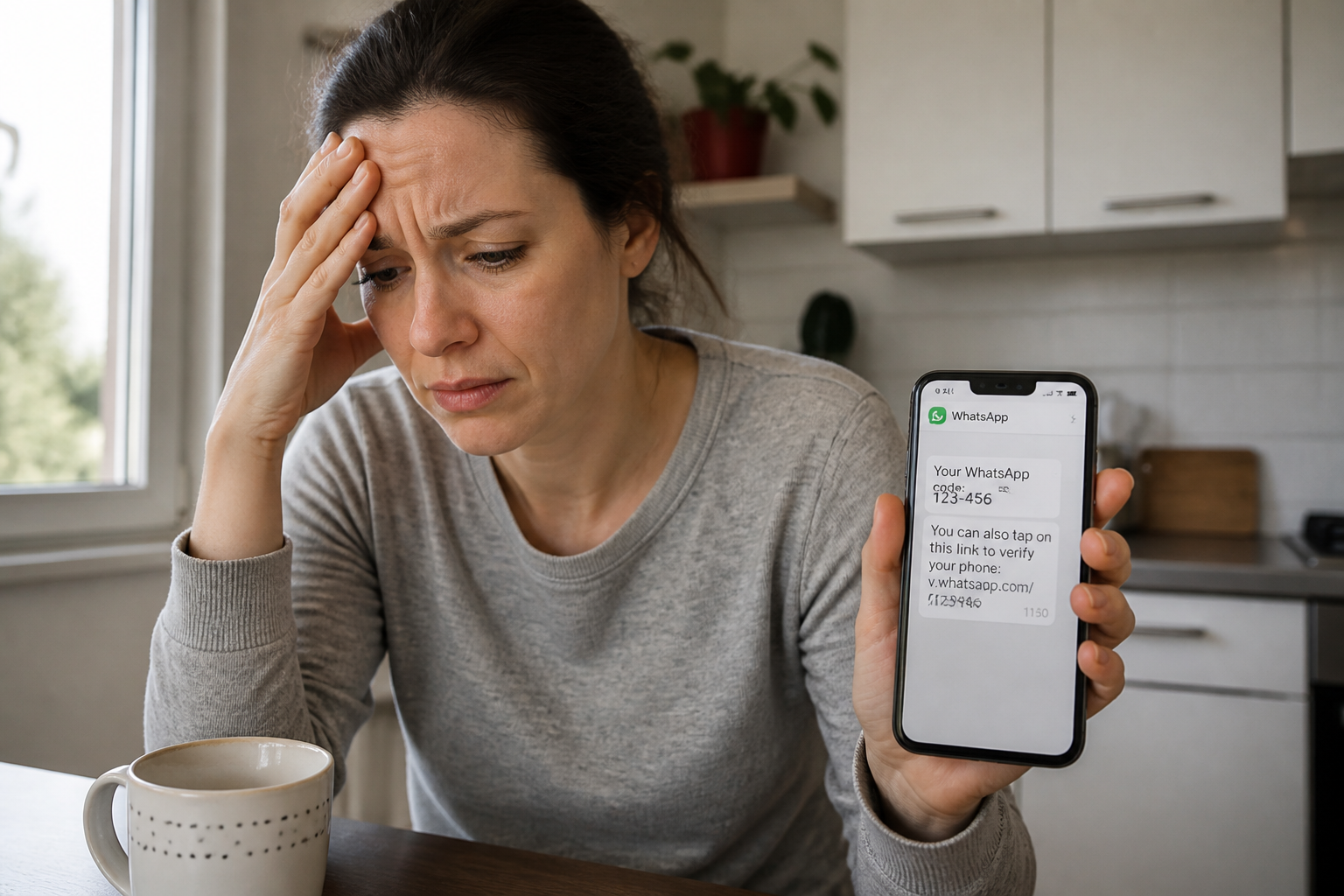
Other indications are less direct yet equally serious:
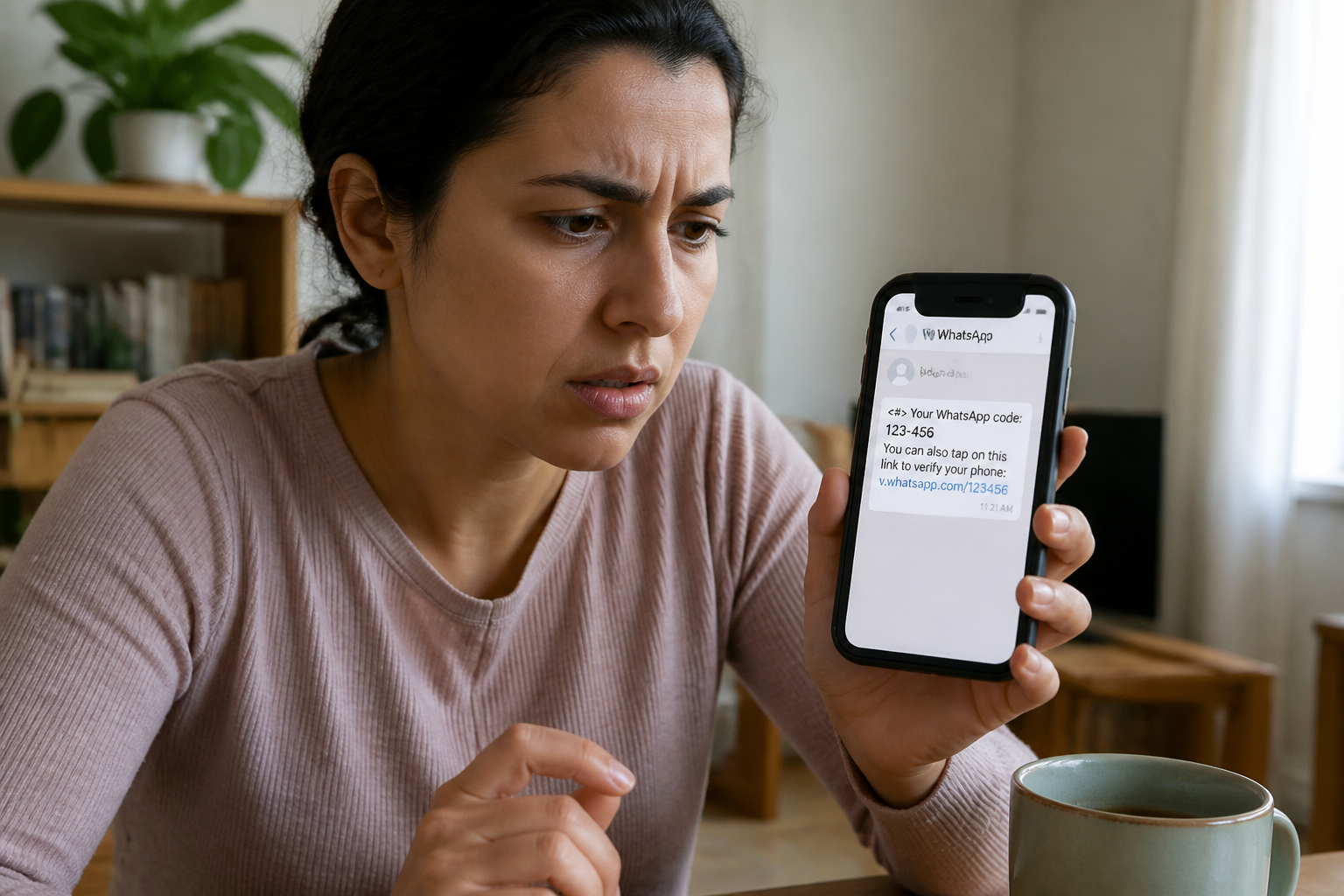
- You receive a six-digit verification code via text message out of the blue, without having requested one.
- Messages you did not write show up in your chat history.
- Your profile picture, status update, or display name has changed without your permission.
- You get added to groups you never chose to join.
Should you spot any of these indicators, do not waste time trying to figure out “how” it happened—take action immediately.
How do hackers manage to hijack your profile?
There are two primary techniques, and understanding them will help you pick the right recovery path.
The linked device method
The cybercriminal takes advantage of the “Linked Devices” feature (WhatsApp Web, WhatsApp Desktop) to tie their phone or computer to your account. In this scenario, you keep using WhatsApp as normal, but the scammer is reading your conversations in real time. While you retain access, your personal privacy is completely breached.
The phone number re-registration
The intruder attempts to register your phone number again on their own hardware. To pull this off, they need the six-digit verification code that WhatsApp sends through SMS. If they manage to acquire this code (via phishing, a SIM swap attack, or by tricking you into handing it over), they take full control. You are then logged out and locked out of your profile.
During a re-registration attack, the hacker cannot view your past chat archives, but they can easily pose as you to trick your contacts.
Step-by-step guide: recovering your compromised WhatsApp account
Your next steps depend entirely on your current situation. Here are the two possible scenarios.
Scenario 1: You still have access to your profile
You are currently logged in, but you suspect unauthorized access via a linked device.
- Launch WhatsApp on your mobile device.
- Navigate to Settings (gear icon on iOS, three vertical dots on Android).
- Tap on Linked Devices.
- You will see a list of every gadget linked to your profile. If you see a device you do not recognize, tap it, then choose Log out.
This action instantly severs access for all extra devices, including the attacker’s hardware.
Scenario 2: You have been logged out and cannot sign in
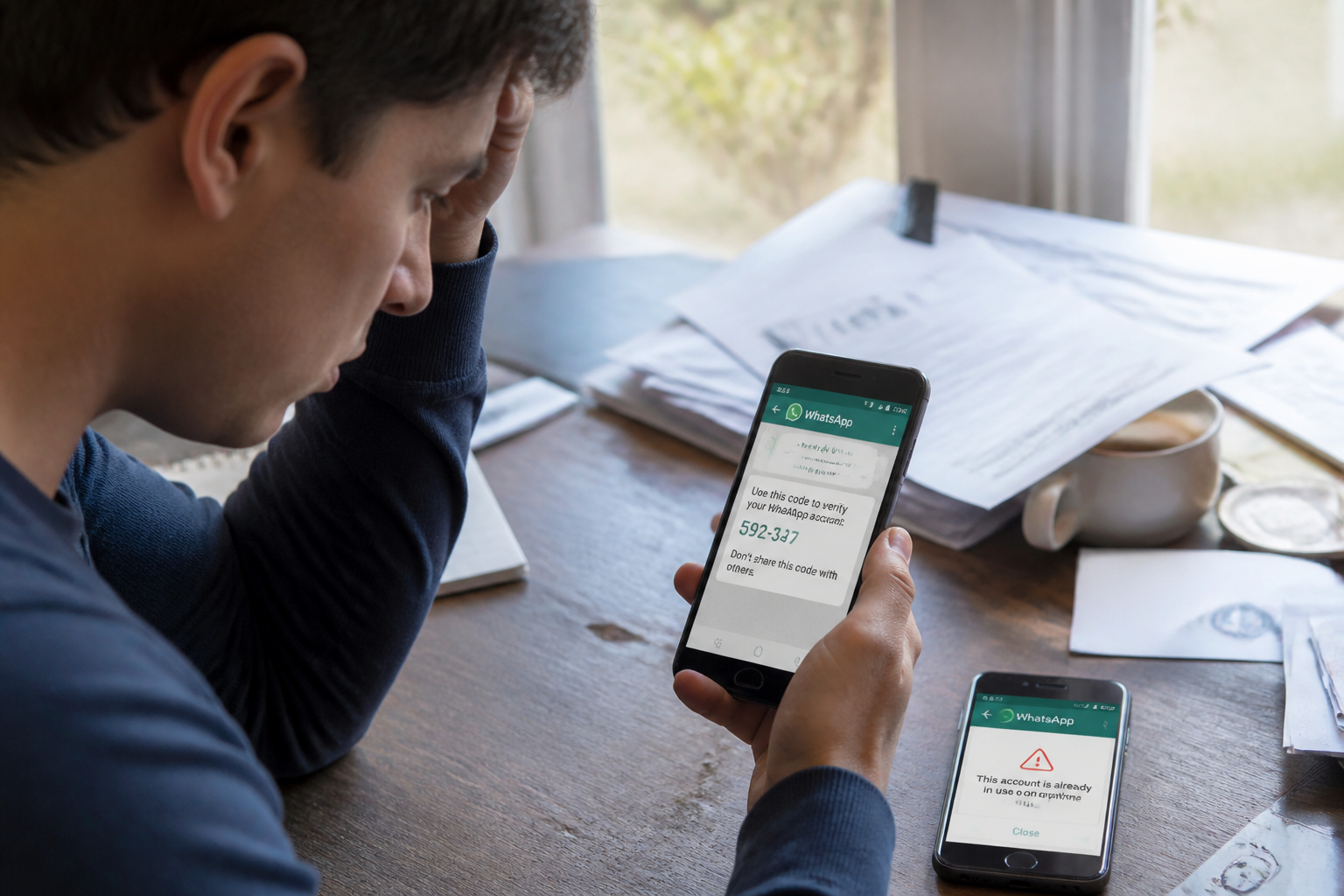
The hacker has successfully re-registered your number. You must reclaim ownership by following this process.
- Verify that your SIM card is properly seated in your smartphone and that you have a cellular signal.
- Open WhatsApp and type in your phone number.
- Request a fresh verification code. WhatsApp will deliver it via text message or a phone call.
- Input the six-digit code you receive.
- If you previously enabled two-step verification, WhatsApp will also prompt you for your custom PIN code. Enter it now.
- WhatsApp will offer to restore your chat history from a backup (iCloud, Google Drive, or local storage). Accept the restore to get your conversations back.
Once you complete these steps, the hacker is automatically ejected from your account.
Mistakes to avoid when dealing with a hack
Panic can easily lead to mistakes that worsen the situation. Keep these pitfalls in mind.
Never share your verification code with anyone. This is the number one cause of account compromises. Is a friend or family member asking for this code because they “made a mistake”? That is an impostor using a stolen account to trap you. The code belongs to you alone, and is only needed during initial setup on a new phone.
Do not click on suspicious links. Bad actors send out messages mimicking official notifications from WhatsApp, your bank, or delivery services. These links lead to deceptive phishing sites designed to steal your credentials. Always double-check the URL before tapping.
Do not delete your account prematurely. The “Delete my account” button exists within settings, but it permanently wipes your message history and broadcast lists. Only use this as an absolute last resort if you cannot recover access through standard channels.
How to bulletproof your account security after the incident
Once you recover your profile, take a few minutes to lock it down. This prevents the same nightmare from happening twice.
| Security Measure | Action to Take | Benefit |
|---|---|---|
| Enable two-step verification | Settings > Account > Two-step verification > Turn on. Set up a 6-digit PIN. | Even if a hacker intercepts your SMS code, they cannot activate the profile without this PIN. |
| Regularly audit linked devices | Settings > Linked Devices. Disconnect any unrecognized hardware. | Blocks unauthorized access through WhatsApp Web or Desktop. |
| Stay wary of code requests | Never hand over your verification code, even to a trusted contact. | Stops the most common vector for account takeovers. |
| Report the breach to WhatsApp | Email support@whatsapp.com or use the in-app help center. | Allows WhatsApp to monitor abnormal activity tied to your number. |
Additionally, notify your friends and family through an alternative channel (SMS, phone call) that your profile was compromised. That way, if they receive any sketchy messages from you, they will know to ignore them.
Finally, if you suspect your SIM card was cloned (SIM swapping)—meaning you suddenly lose cell service for no apparent reason—reach out to your mobile carrier immediately. This is a less common but highly effective tactic for hackers, as it allows them to intercept all your text messages, verification codes included.
Dealing with a hijacked WhatsApp account is stressful, but it is rarely a lost cause if you react within the hour. The secret is to keep a clear head, follow the recovery steps sequentially, and lock down your defenses with two-step verification. Do not let an impostor use your identity to harm your circle: take back control at the very first warning signs.