

One-third of internet users reuse the exact same password across multiple platforms. Within a corporate environment, this bad habit invites cascading security breaches: a leaked credential on a personal website can quickly compromise sensitive business systems. A professional password manager is the ultimate tool to break this dangerous cycle, yet not all solutions are created equal. Here are the practical criteria you need to consider when selecting the right software for your organization.
Are encryption and a zero-knowledge architecture truly mandatory?
Yes, and this should be your primary filtering criterion. A trustworthy password manager encrypts your data directly on the user’s device before it ever travels across the network. Even if the vendor’s servers suffer a catastrophic breach, attackers will find themselves unable to read anything without the master password. This method is known as end-to-end encryption.
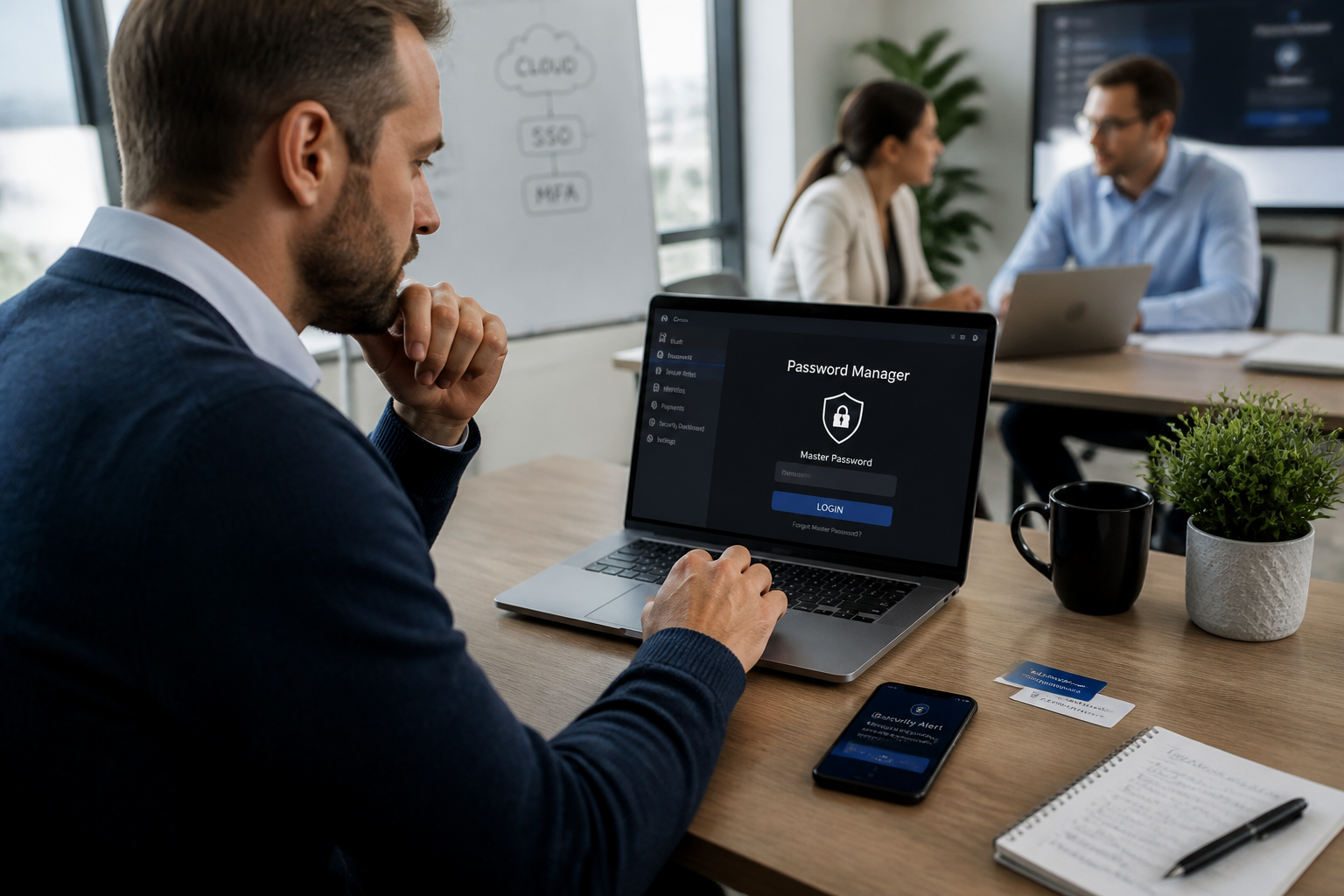
A “zero-knowledge” architecture takes security a step further: the service provider has zero technical capability to decrypt your vault because they never store your encryption key. The trade-off is straightforward: if an employee forgets their master password, nobody can recover it—not even technical support. Make sure to account for this reality in your employee onboarding workflows.
How can you manage shared accounts without losing administrative control?
In small and medium-sized businesses, network administrator accounts or internal software access are frequently shared among multiple team members. Your chosen manager must allow you to share a specific entry without exposing the actual plaintext password. Certain platforms offer temporary sharing or restrict permissions (such as read-only mode with copy-pasting disabled).
Always verify the availability of audit trails: who viewed which password, at what time, and from what machine? Audit logs are essential when responding to security incidents or undergoing compliance reviews. Without them, it becomes impossible to verify whether a former intern retained backend access after leaving the company.
What technical features actually matter on a day-to-day basis?
Beyond basic storage, four core capabilities make a real difference in a professional workplace:
- Built-in password generator: It creates complex, completely random character strings devoid of predictable syllables or logic, sparing users from having to invent weak passwords themselves.
- Auto-fill functionality: Across web browsers and desktop applications, this eliminates the need to manually copy and paste passwords (which drastically reduces the risk of clipboard leaks).
- Credential strength auditing: The software automatically detects weak, duplicated, or previously compromised entries and alerts administrators accordingly.
- Automated password rotation: Especially useful for shared credentials or critical service access. Changes are triggered by specific security events (such as an employee departure or suspected leak) rather than arbitrary calendar dates.
Since 2025, Germany’s BSI has advised against the traditional practice of routinely changing passwords purely as a preventive measure. Instead, the agency recommends using strong, unique passwords combined with multi-factor authentication (MFA) or passkeys.
Should you choose a cloud-hosted or an on-premise solution?
The choice boils down to a simple dilemma: cloud platforms deliver high mobility and seamless cross-device synchronization without requiring heavy internal infrastructure. Conversely, on-premise deployments grant absolute sovereignty over data, but demand dedicated technical expertise for maintenance and backups.
| Criterion | Cloud-based solution | On-premise solution |
|---|---|---|
| Hosting | Maintained by the vendor | Hosted on your local servers |
| Offline access | Local caching is supported | Dependent on internal network availability |
| Maintenance | Included in the subscription fee | Handled internally by your IT department |
| Upfront cost | Monthly subscription per user | Software license + hardware + maintenance |
| Traceability | Logs accessible via management dashboard | Logs plus direct access to raw database logs |
If your enterprise processes heavily regulated data (such as GDPR, healthcare, or defense sectors), an on-premise deployment may be legally required. Otherwise, cloud solutions remain much faster to deploy and easier to maintain, provided you confirm the provider strictly enforces a zero-knowledge architecture.

Which deployment mistakes must be avoided at all costs?
The most common pitfall is forcing the tool onto staff without proper training. A password manager only provides value if everyone actually adopts it. If workers continue sharing credentials via email or scribbling them down on sticky notes, your investment is wasted.
A second major error is neglecting offboarding procedures. When an employee departs, their access to the organizational vault must be revoked instantly. Some advanced managers let administrators deactivate a user with a single click while seamlessly reassigning their shared credentials to another team member. Without this capability, every resignation becomes a potential data leak vector.
The third mistake is failing to audit existing passwords prior to migration. Many businesses import years of credentials straight from Excel spreadsheets or web browsers. Without running a prior cleanup, they simply migrate weak or already compromised passwords into the new system. A quality password manager will always offer a security audit prior to bulk imports.
Should multi-factor authentication (MFA) be enforced from day one?
Yes, this is completely non-negotiable. The master password acts as the single master key to your entire vault. If a malicious actor manages to acquire it through phishing or keylogging techniques, they gain instant access to every connected account. MFA introduces a vital secondary security layer: a one-time code sent to a mobile device, a physical security key (like a YubiKey), or biometrics (fingerprint or facial recognition).
Certain enterprise-grade password managers allow administrators to enforce mandatory MFA across all user accounts, while offering a short grace period for newly hired staff to configure their hardware tokens. This is a critical security parameter that should be configured directly inside your administration console.
What is the next step after selecting your tool?
Implementing a password manager is merely one piece of the puzzle. To truly fulfill its security promise, it must be supported by a clearly written corporate policy defining minimum password lengths (NIST recommends at least 12 characters), automated checks against known data breaches, a strict ban on credential reuse, and mandatory MFA.
Plan for regular annual employee awareness training as well. Explain clearly why unique passwords for every service protect the company, how to spot sophisticated phishing attempts, and why the password manager is designed to boost productivity rather than act as an administrative burden. Without genuine team buy-in, even the most robust technical solution will ultimately fail.