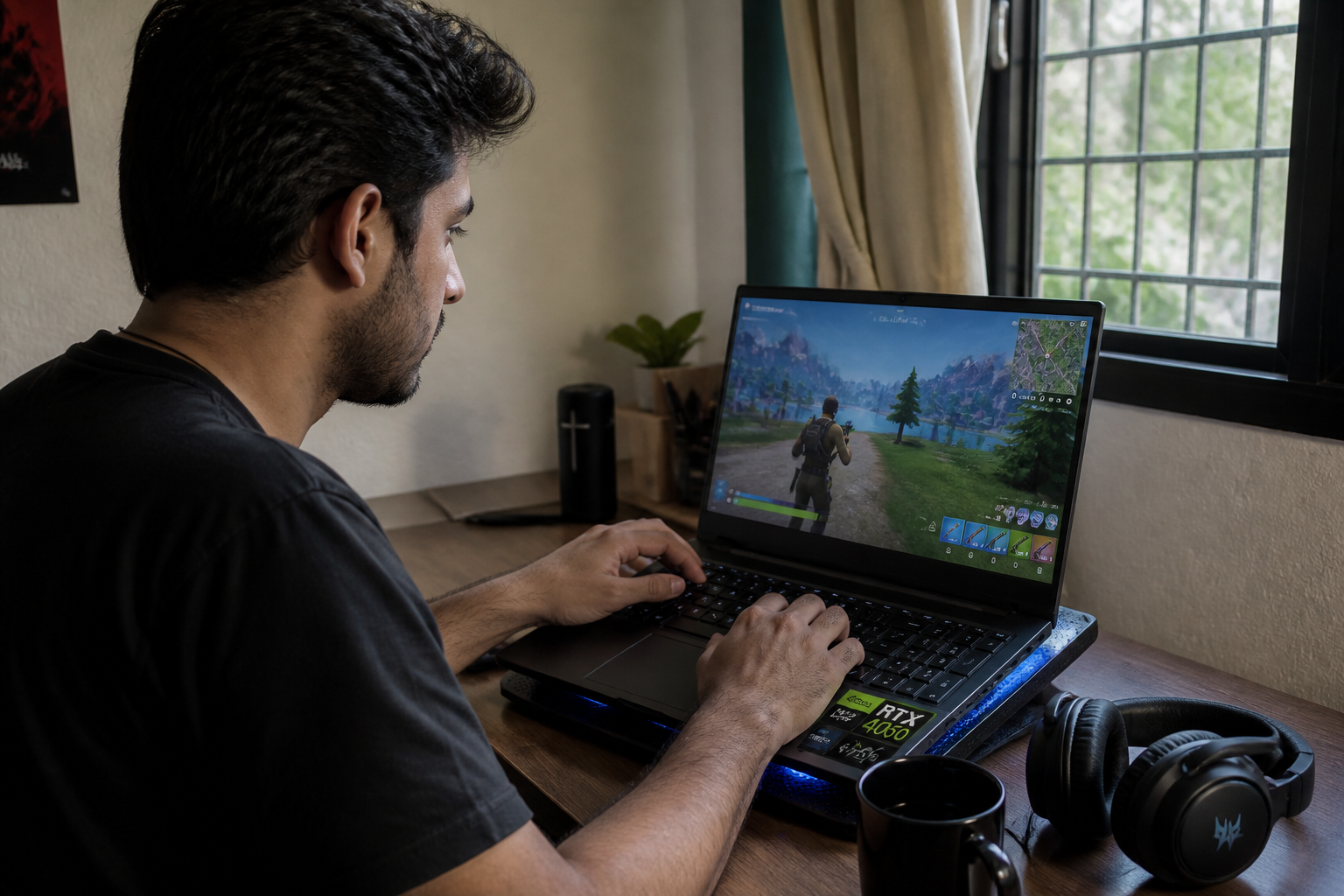
The graphics card is the single component that determines whether your games run at 30 or 144 frames per second. It also takes up the lion’s share of any gaming laptop budget. Before you even look at the processor or RAM, ask yourself one crucial question: what games do you want to play, and at what resolution?
For a budget under 1,000 euros, an RTX 3050 or 4060 will get the job done. These cards let you game at 1080p with high settings on popular titles like Fortnite, Valorant, or Call of Duty on medium settings. If you are aiming for 1440p, you will need to step up to at least an RTX 5070. Meanwhile, the RTX 5080 and 5090 are built for native 4K gaming with ray tracing enabled, though their price tags often exceed 2,500 euros.
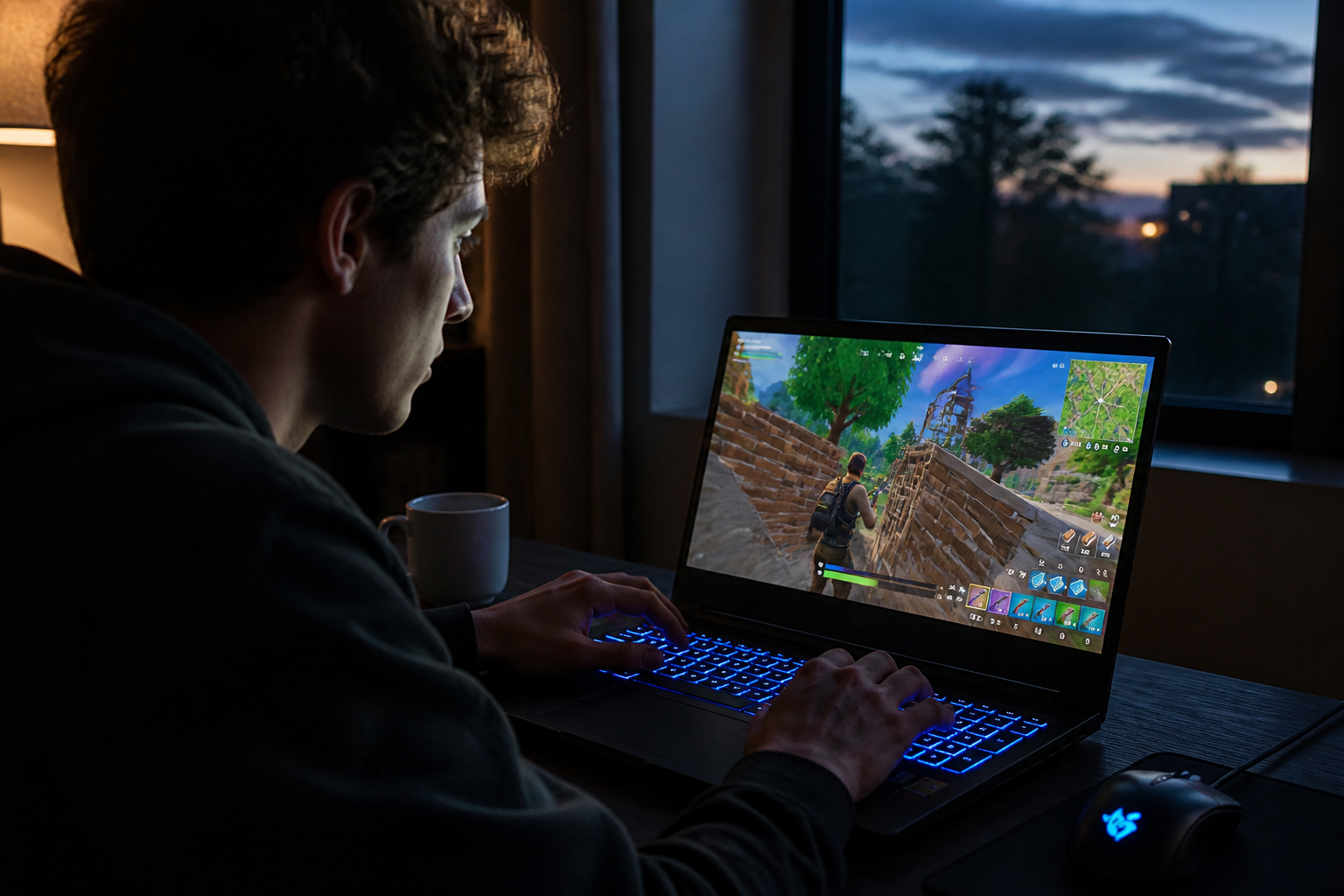
An RTX 5070 capped at 80 watts will run slower than a version operating at 115 watts, even if they share the exact same card name.
What we call TGP (Thermal Design Power) is a specification that is frequently buried in technical datasheets. Two different laptops sold with an RTX 5070 can deliver drastically different performance levels if one restricts the card to 80 watts while the other lets it push up to 115 watts. Manufacturers sometimes dial back power consumption to keep noise and heat in check. Prior to purchasing, look for an independent review of the exact model you are considering, rather than just relying on the chip name.
Processor, display, and RAM: the three pillars you cannot afford to ignore
A powerful GPU is useless if the processor is too weak or the display is subpar. These three components need to work in tandem. The CPU handles the logical calculations of the game, the GPU generates the visuals, and the screen displays them. If any one of these three elements is underpowered, your overall fluidity will suffer.
As for the processor, a modern Intel Core i5 or AMD Ryzen 5 is more than enough for the vast majority of games. Core i7 and Ryzen 7 processors provide a noticeable boost in heavily CPU-bound titles, such as complex simulations or dense open-world games. There is no need to splash out on an i9 if you primarily play e-sports games: that money is far better spent on the graphics card.
Regarding the display, 15 inches remains the most popular and well-balanced format for gaming. A 17-inch screen offers deeper immersion but adds considerable bulk to the machine. Check the resolution: aim for at least 1080p, and if your budget stretches to 1440p, the visual comfort is significantly improved. Refresh rate matters just as much—look for 120 Hz or higher for competitive games, while 60 Hz is plenty for narrative single-player adventures.
When it comes to RAM, 16 GB is the baseline recommendation for 2025. Some entry-level models are still shipped with 8 GB, which is increasingly restrictive for modern games. If you can afford it, opt for 32 GB to future-proof your system for years to come. Also, check whether the RAM is soldered onto the motherboard or upgradeable; on many slim laptops, you won’t have the option to add another stick later.
Storage and connectivity: details that shape your daily experience
Traditional hard drives have practically vanished from gaming laptops. Nearly all of them now rely on solid-state drives (SSDs), which are vastly faster for booting up the operating system and loading games. The standard storage capacity sits at 512 GB, but modern games frequently take up anywhere from 50 to 150 GB each. If you keep several large titles installed at once, 512 GB will fill up fast. You are much better off with a 1 TB SSD, or a model that features an extra slot so you can install a secondary SSD down the line.
Connectivity is another aspect that is easily overlooked. Before checking out, make sure the laptop has at least one HDMI port to hook up an external monitor, multiple USB ports (including at least one USB-C if possible), a headphone jack, and an Ethernet port if you plan on gaming online. Wi-Fi comes built into every model, but look for Wi-Fi 6 or 6E to ensure lower latency.
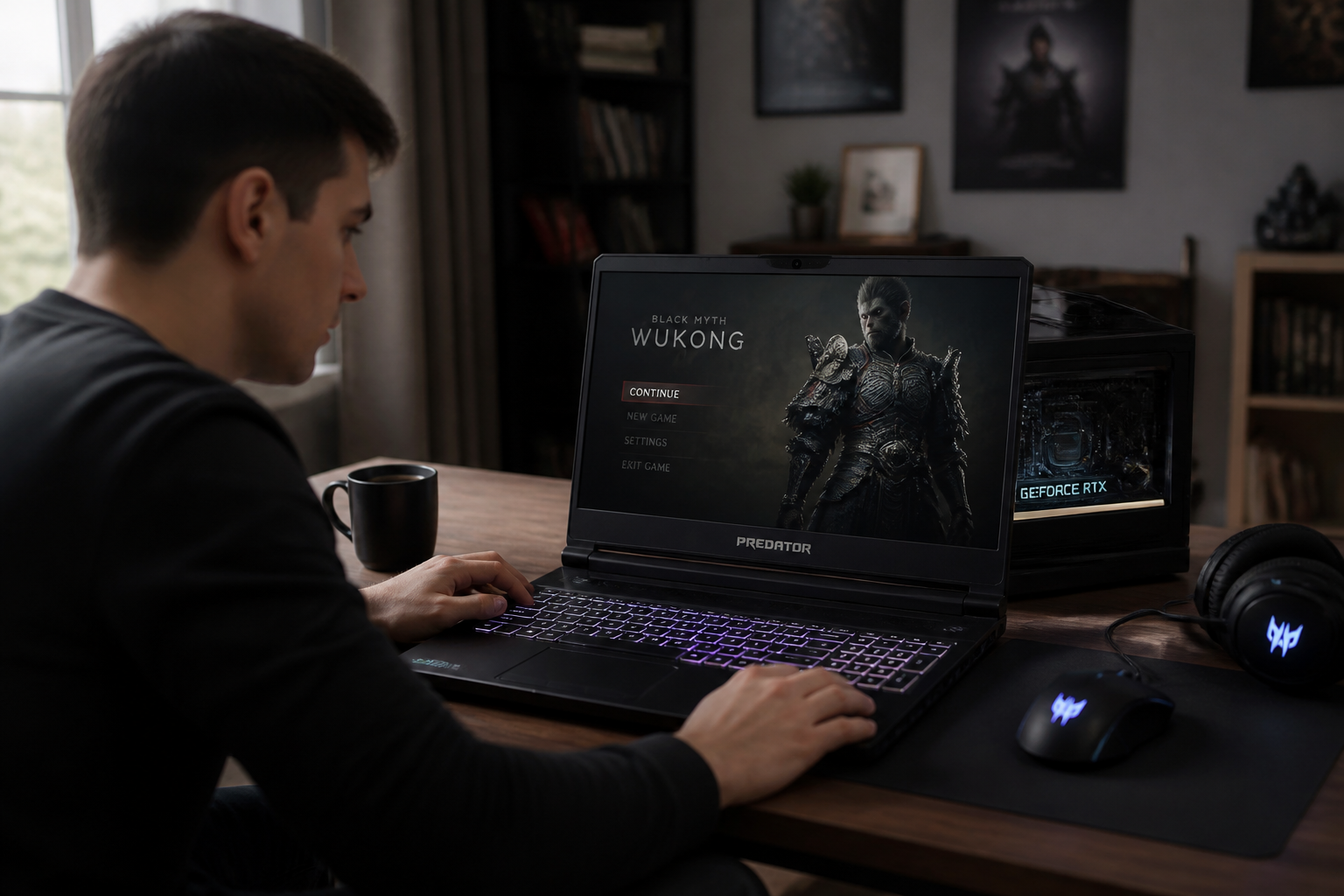
- Essential ports: HDMI, USB-A, USB-C, headphone jack, Ethernet.
- Useful ports: SD card reader, Thunderbolt for fast data transfers.
- Rare but handy ports: DisplayPort, optical audio output.
Battery life is the universal weak spot of all gaming laptops. Expect anywhere from 2 to 4 hours of actual gaming time, stretching slightly further for office tasks. If you find yourself traveling frequently, look for a model packing a 70 Wh battery or larger, and be prepared for the weight to exceed 2.5 kg. Ultra-light machines weighing under 2 kg do exist, but they usually require heavy compromises in terms of raw power or cooling efficiency.
Common pitfalls that turn a great deal into a letdown
The most classic trap is fixating on a single selling point, such as “16 GB of RAM” or an “RTX 4060” at a heavily discounted price. An unbalanced hardware configuration might look great on paper, but it will quickly become a source of daily frustration. A poor-quality TN screen, an aging processor, or an undersized SSD will completely ruin the experience, even if the graphics card is top-notch.
Another trap is the illusion of deep discounts. A 150-euro price cut doesn’t make a machine worthwhile if its baseline pricing was flawed to begin with. Before buying, compare several models sitting at the same price point. Check whether the panel is IPS or TN (always lean toward IPS), whether the cooling system is adequate, and if the memory can be upgraded. Don’t just get blinded by the crossed-out retail price.
- Check the balance: GPU, CPU, RAM, and display need to complement one another properly.
- Check the TGP: a throttled graphics card can lose 20 to 30% of its potential performance.
- Check the storage: 512 GB is the minimum, 1 TB is strongly recommended.
- Check the screen: IPS panel, 1080p minimum, 120 Hz if possible.
- Check the RAM: 16 GB minimum, with an upgrade path preferred.
Finally, steer clear of clearance models nearing the end of their market lifecycle. A gaming laptop that is two or three years old might look like an incredible bargain on sale, but its GPU and CPU will quickly be outpaced by upcoming releases. You are much better off buying a modern, entry-level machine than an older high-end model at a reduced price.
What is the right price-to-performance ratio for your needs?
Here is a summary table outlining typical hardware configurations categorized by budget and use case, based on current graphics cards and their estimated costs.
| Budget | Graphics Card | Target Resolution | Refresh Rate | Game Types |
|---|---|---|---|---|
| Under €1,000 | RTX 3050 / 4050 | 1080p High Quality | 60-100 Hz | Popular titles, e-sports, indie games |
| €1,000 – €1,500 | RTX 4060 / 5060 | 1080p Ultra, 1440p Medium | 120-144 Hz | Moderate AAA titles, e-sports |
| €1,500 – €2,000 | RTX 5070 | 1440p High Quality | 144-240 Hz | Recent AAA games, competitive play |
| Over €2,000 | RTX 5080 / 5090 | 1440p Ultra, 4K | 240 Hz or higher | All titles, immersive 4K gaming |
These price ranges are purely indicative and will fluctuate depending on the manufacturer, ongoing promotions, and the quality of the screen or cooling system. The main takeaway is not to sacrifice structural balance just to get a flashy spec in a single department.
Before you finalize your purchase, ask yourself this final question: will this gaming laptop still serve your needs three years from now? If the configuration is already cutting it close on RAM, storage, or GPU power, the games released in 2027 might not run smoothly. Investing a little more money today can save you from having to replace your entire setup in two years’ time.