
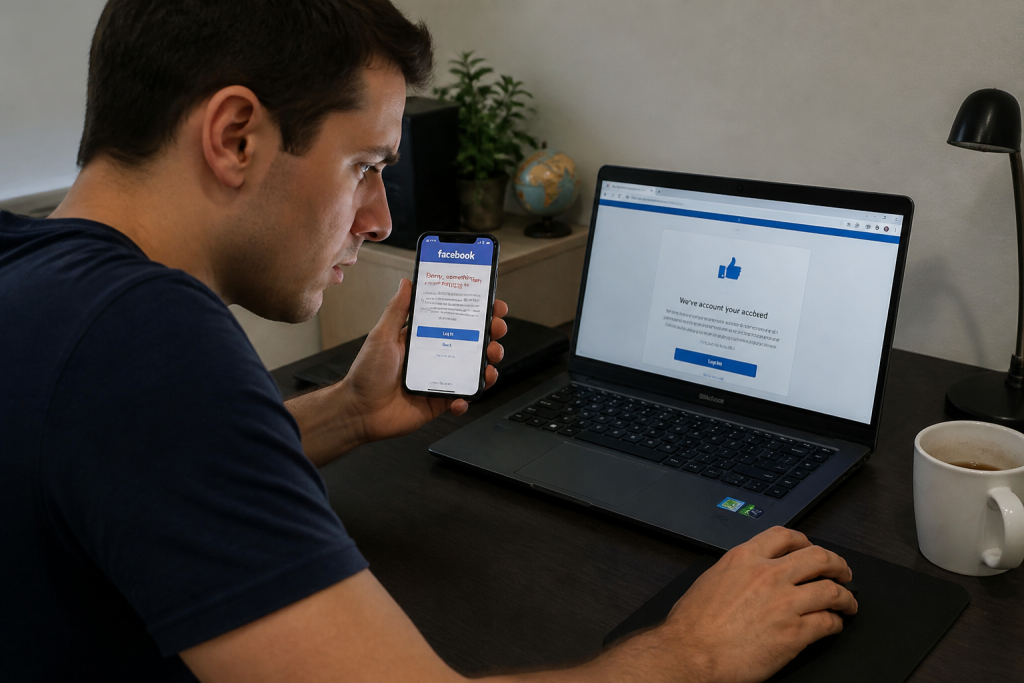
Realizing that your Facebook login no longer works can be a stressful experience. Perhaps you’ve noticed weird posts shared on your timeline, strange messages sent to your friends, or your profile picture updated without your permission. All these are major red flags indicating that your account has been compromised. Although panic is a normal initial reaction, keeping a clear head is essential for taking quick and effective action. Yes, regaining control of your account is entirely possible—provided you follow the correct steps right away.
What are the unmistakable signs?
A hacked account doesn’t always show the exact same symptoms. Sometimes, the signs are obvious, such as being locked out despite entering your usual email and password. On other occasions, clues can be more subtle. Receiving a password reset email that you never asked for is a major warning sign. Similarly, if your account settings reveal active sessions or unfamiliar devices you don’t recognize, it means an intruder is currently logged into your profile.

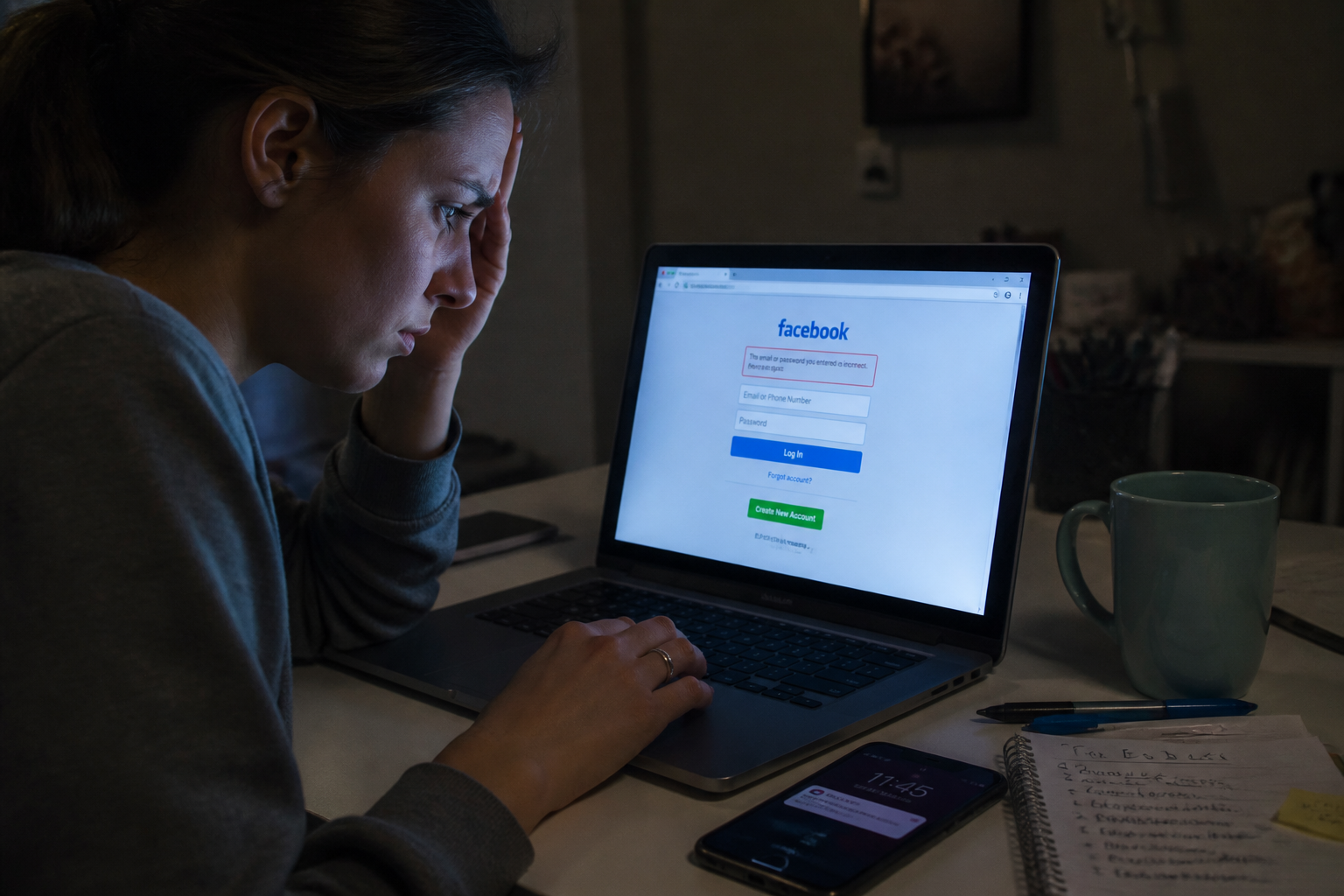
Other indicators should prompt immediate action: friend requests sent to strangers, private chats you never typed, or unauthorized changes to your personal details (email address, phone number, or display name). Just one of these signs is enough to justify taking immediate action. Do not wait for all of them to appear.
You still have access to your account: what to do first?
If you can still log in, the hacker hasn’t locked you out completely yet. This is your window of opportunity to intervene before they change your credentials or set up their own two-factor authentication. Follow these steps in order.
Change your password immediately
Head straight to Facebook’s security settings and update your password right away. Choose a long, complex, and unique password—never reuse it across other websites. A password manager can help you generate a strong random string. Avoid predictable choices such as birth dates or pet names.
Check active login sessions
Within the Meta Accounts Center, navigate to “Password and security,” then click on “Where you’re logged in.” You will see a complete list of devices and web browsers currently accessing your profile. Log out of any sessions you do not recognize. This instantly cuts off the intruder’s access.
Remove unauthorized information
The hacker may have added a secondary email address or phone number to regain control later. Review your account settings, check all saved contact details, and remove anything that isn’t yours. If an unknown email address appears, delete it straight away.
Enable two-factor authentication
Once your password is updated and unknown sessions are terminated, turn on two-factor authentication (2FA). This adds an extra layer of defense: even if someone manages to steal your password, they cannot log in without the code sent to your mobile device. Whenever possible, opt for an authenticator app rather than SMS, which is generally less secure.
You have lost access to your account: how to get it back?
If the hacker has successfully altered your password and email address, traditional login is no longer possible. Don’t panic: Facebook provides a dedicated recovery process. You can access it directly from the login page by clicking on “Forgot password?” or “Hacked account.”
Use your original email or phone number
Facebook will prompt you to enter the email address or phone number linked to your profile before the breach. If you cannot remember the exact details, try every email address you might have used. The social network will send a verification code to these contact points, provided the hacker hasn’t deleted them.
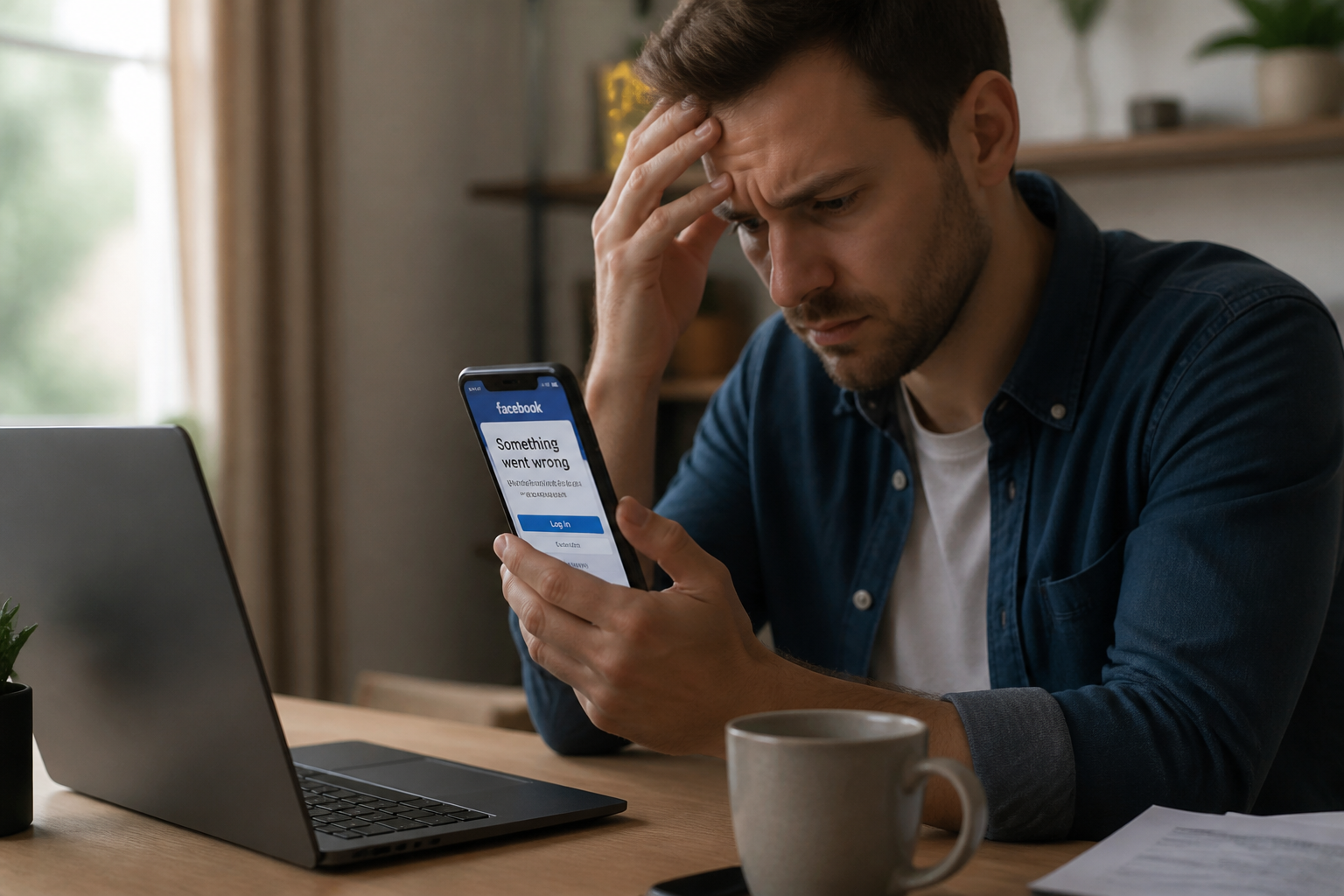
Answer security questions
If you cannot receive a code, Facebook may ask you questions to verify your identity. These queries typically relate to details only the legitimate owner would know, such as past passwords, recent friends, or the approximate creation date of the account. Answer as accurately as possible.
Provide an official ID
As a last resort, Facebook allows you to submit a copy of an official identification document (such as a passport, driver’s license, or national ID card). While this is a heavier process, it works when all other methods fail. Make sure the document is clear and readable, and that your name and birth date match your Facebook profile information.
Reach out to trusted friends
Facebook features a “Trusted Contacts” option, allowing you to designate specific friends who can receive a recovery code if you lose your account. If you set this up prior to the breach, ask those contacts to forward you the code. Otherwise, you can still ask them to report your account as compromised directly from their own profiles.
Mistakes to avoid at all costs
In the heat of the moment, it’s easy to make choices that make the situation worse. Here are three major pitfalls to steer clear of:
- Never pay a ransom: Cybercriminals may reach out offering to return your account in exchange for money. There is zero guarantee they will restore your access once paid. Worse yet, they may use that leverage to extort you repeatedly.
- Do not click on suspicious links: If you receive an email or message claiming to be from Facebook, always double-check the sender’s address. Legitimate emails from the platform originate from domains like @facebookmail.com, not strange, unofficial addresses. Never type your credentials into a page whose URL doesn’t start with facebook.com.
- Don’t ignore your device’s security: A compromise often stems from malicious software installed on your computer or phone. Once your account is restored, run a complete antivirus scan. Windows Defender is a solid choice, but you can also use trusted free online tools.
How to prevent future compromises?
Recovering your account is only half the battle; keeping it secure over the long term is just as vital. A few simple best practices will significantly lower your risks.
Enable two-factor authentication across all your important accounts, not just Facebook. Rely on a password manager to generate and store unique, strong credentials. Be cautious with third-party apps requesting access to your Facebook data—some are simply traps designed to harvest information. Lastly, regularly monitor your active sessions and login info. Checking once a month is usually enough.
If you use Facebook to manage a business page or storefront, recovering access is even more urgent. A hacker could publish fraudulent links, steal customer data, or lock you out permanently. In such cases, the recovery steps remain identical, but make sure to notify your colleagues and update the passwords for all linked accounts.
Finally, keep in mind that account recovery isn’t always instantaneous. Facebook can take several days to process a request, especially if identity verification documents are required. In the meantime, inform your friends and family that your profile has been compromised so they don’t fall for scams sent in your name. Once you regain access, take the time to meticulously audit every setting: your password, recovery email, and connected apps. Leftovers from the breach can easily leave the door cracked open if you aren’t thorough.