

Your current internet gateway, whether it’s a Livebox, an SFR Box, or a Freebox, has actually included Wi-Fi 6 for several years now. Internet service providers are now pushing Wi-Fi 7 on their latest hardware, promising record-breaking speeds. The question isn’t whether Wi-Fi 7 performs better—it certainly does—but rather whether this performance boost justifies upgrading your router or purchasing a standalone device. For most households, the answer is no. Here is why.
What Wi-Fi 6 Already Delivers at Home
Wi-Fi 6, known as the 802.11ax standard introduced in 2019, solved the primary headache of modern home networks: managing around fifteen connected gadgets simultaneously without stuttering. Two core technologies drive this enhancement. OFDMA splits each wireless channel into sub-channels, allowing the router to communicate with multiple devices concurrently instead of taking turns. MU-MIMO permits data to be transmitted to several gadgets at once, even when they are consuming heavy bandwidth.

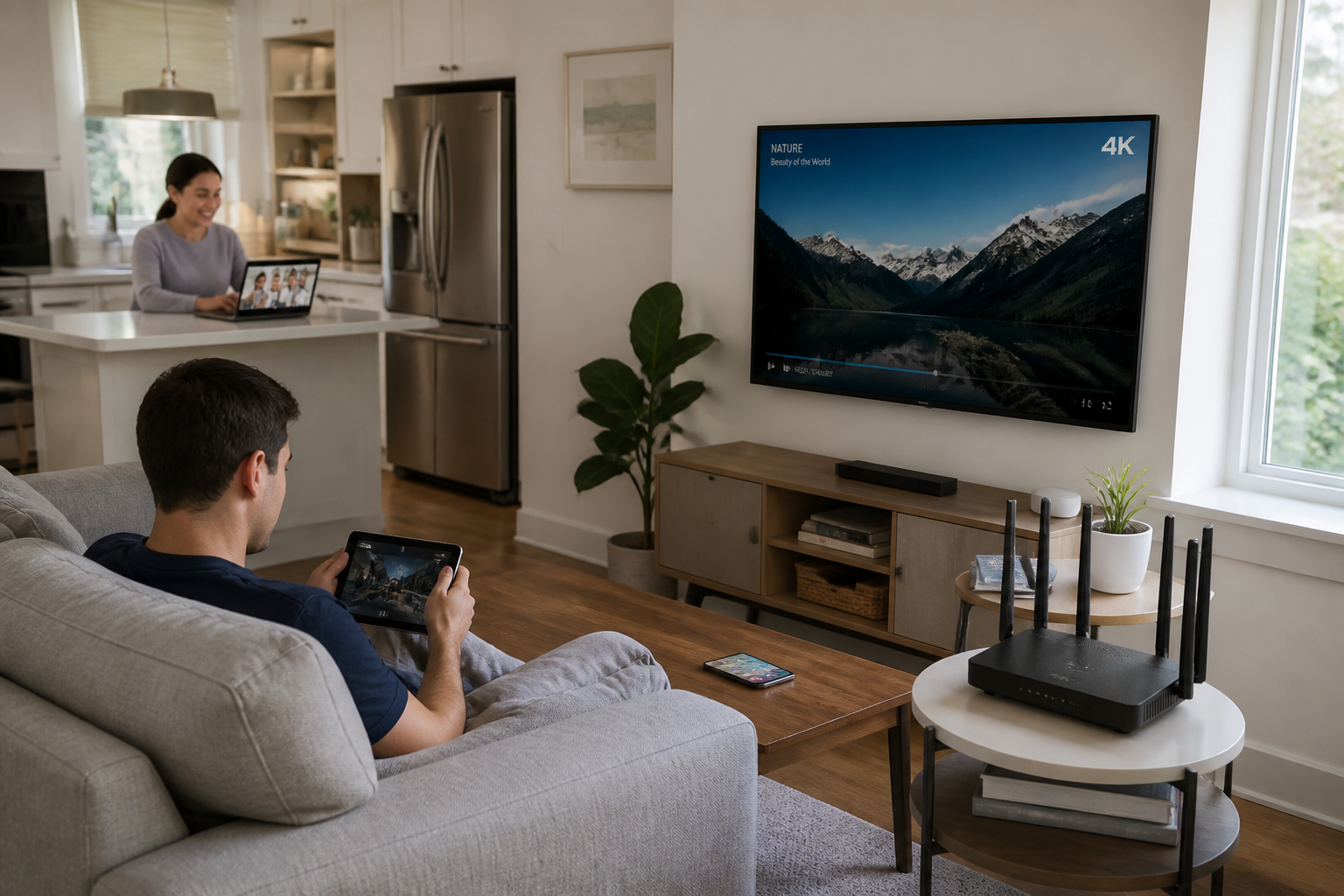
In practical terms, with a 1 Gb/s fiber connection and Wi-Fi 6, you can run a 4K stream in the living room, a video conference in the kitchen, online gaming in the bedroom, and a handful of smart home accessories without the network collapsing. The maximum theoretical speed of Wi-Fi 6 reaches 9.6 Gb/s. In reality, once you factor in walls, distance, and interference, your actual throughput usually lands between 500 Mb/s and 1 Gb/s, which already pushes the limits of most consumer fiber packages.
Wi-Fi 6 also integrates Target Wake Time (TWT), a feature that allows devices to “wake up” only when they need to receive data. This preserves the battery life of smartphones, laptops, and smart gadgets. For standard daily routines, this generation remains extremely solid.
Wi-Fi 7: Three Real Technical Shifts
Wi-Fi 7 (the 802.11be standard) received official certification from the Wi-Fi Alliance in January 2024. Its theoretical capabilities are staggering: up to 46 Gb/s, which is five times faster than Wi-Fi 6. However, what matters to you are the three concrete upgrades it brings into your living space.
The 6 GHz Band, a Less Congested Highway
Wi-Fi 7 fully harnesses the 6 GHz band, a frequency spectrum still largely untouched by everyday electronics. Your neighbors and legacy smart devices primarily saturate the 2.4 GHz and 5 GHz bands. This fresh band provides 320 MHz wide channels, compared to a maximum of 160 MHz on Wi-Fi 6. This lets significantly more data pass through during every transaction and cuts down on slowdowns during peak hours.
MLO, the True Game-Changer
Multi-Link Operation (MLO) enables a compatible gadget to connect to multiple wireless bands simultaneously—for instance, hooking into both the 5 GHz and 6 GHz channels at the exact same time. Until now, a smartphone or computer had to pick just one band exclusively. With MLO, the connection grows much steadier and latency plummets. This proves invaluable for competitive online gaming, uninterrupted video calls, or virtual reality.
More Parallel Streams
Wi-Fi 7 handles up to 16 simultaneous data streams, compared to 8 for Wi-Fi 6. Coupled with 4096-QAM modulation, which encodes denser information into every transmission, it empowers a router to serve a massive fleet of demanding clients without lagging.
While Wi-Fi 7’s theoretical speed hits 46 Gb/s, physical barriers like walls and distance will drag that number down in your home. Besides, a 1 Gb/s fiber link caps real-world throughput around 1 to 2 Gb/s on Wi-Fi 6 anyway.
Who Wi-Fi 7 Is Actually Built For
Wi-Fi 7 makes complete sense in a hyper-connected environment: roughly twenty devices active at all times, multiple people telecommuting, a virtual reality headset, heavy file transfers moving to a network-attached storage drive, or intensive video conferencing usage. It becomes truly relevant paired with an ultra-fast fiber connection, typically ranging from 2 to 8 Gb/s, capable of feeding that kind of wireless throughput.
Yet there is a frequently overlooked prerequisite: both ends of the connection must be compatible. A smartphone or laptop purchased three or four years ago won’t know how to leverage Wi-Fi 7, even if it sits next to a cutting-edge router. To take advantage of MLO and the 6 GHz band, your hardware needs a dedicated Wi-Fi 7 chipset. Without it, your brand-new router or gateway simply drops back to Wi-Fi 6 when communicating with older gear.
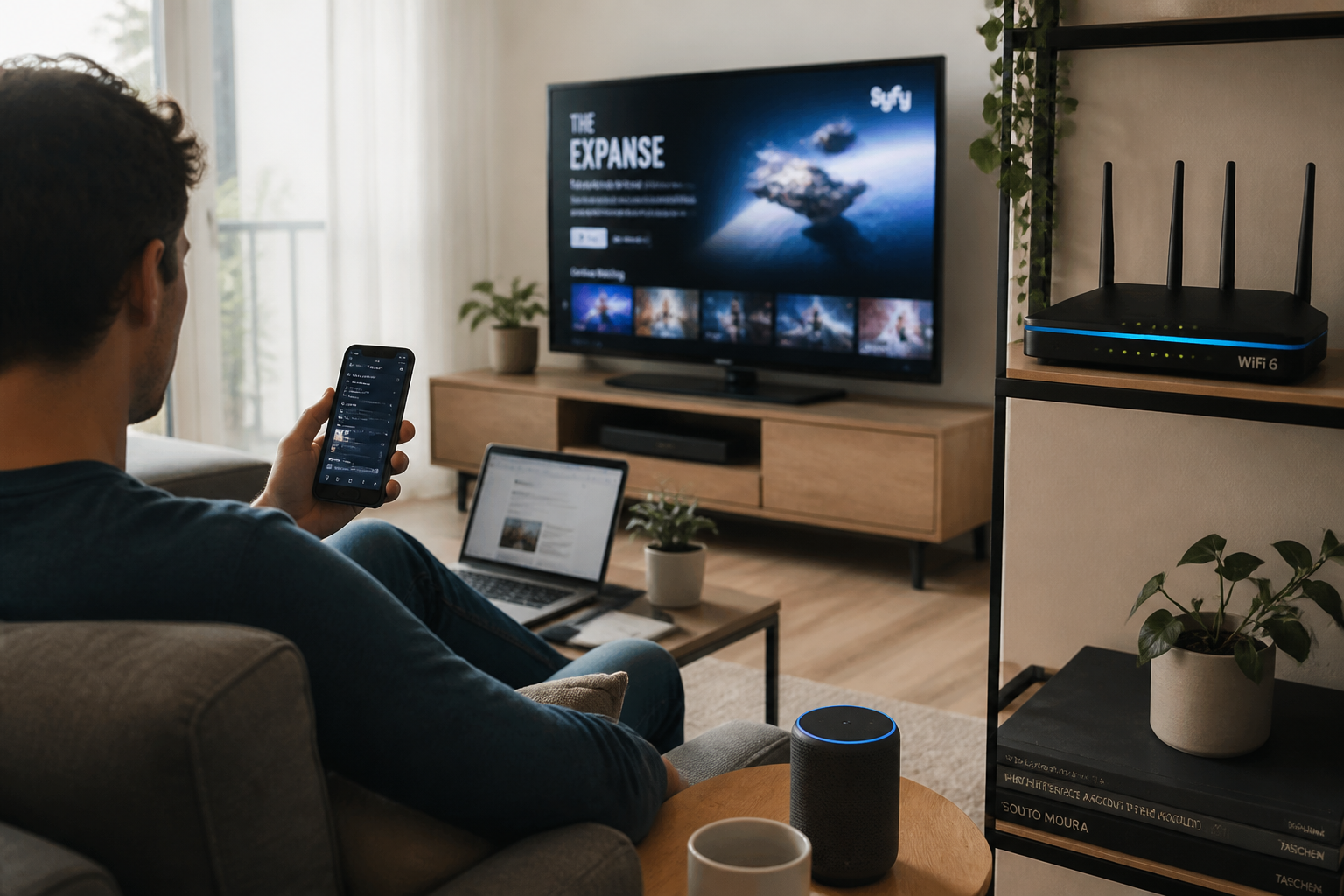
Should You Replace Your Box for a Wi-Fi 6 or 7 Router?
If your current gateway satisfies your needs, there’s no reason to swap it out. But if you deal with dead zones, regular lagging, or poor signal range, you can upgrade your network architecture without altering your internet plan. Two distinct paths exist.
Adding a Wireless Access Point
The cleanest approach involves purchasing a Wi-Fi 6 or 7 access point (AP) and hardwiring it via an Ethernet cable to your main box. You turn off the gateway’s built-in wireless function and let the access point broadcast the signal instead. This prevents double NAT—a technical snag that scrambles IP address management and can break IPv6 or local services like network printing or TV streaming. An access point operates purely in bridge mode: it merely forwards the traffic without introducing an extra routing layer.
Running a Router in Access Point Mode
Certain routers, such as TP-Link AX3000 models or mesh systems (like the Deco M4), can operate in access point mode. You simply switch the unit over through its configuration interface. All routing and DHCP functions are disabled, leaving your main gateway in complete control of the network. Be careful: not all routers offer this setting, and budget models often yield disappointing range and throughput. A dedicated access point remains more reliable.
| Solution | Pros | Cons |
|---|---|---|
| Wi-Fi 6/7 Access Point | No double NAT, IPv6 preserved, smooth roaming, straightforward setup | Requires an Ethernet run between the main box and the AP |
| Router in AP Mode | Can reuse existing hardware, lower cost if you already own it | Potential double NAT if misconfigured, possible loss of IPv6, performance varies by model |
| Mesh System | Extended coverage, no cabling required between nodes (wireless backhaul) | More expensive, slightly higher latency than wired links, relies on radio link quality |
The Mistake to Avoid When Upgrading Your Gateway
The trap is canceling your current internet plan just to grab a package featuring a Wi-Fi 7 router, expecting an instant speed miracle. If you have a 1 Gb/s fiber line and older devices, the difference will be entirely imperceptible. You might end up paying more monthly for a service you cannot even utilize.
Another frequent misstep is buying a Wi-Fi 7 router without checking if your primary tech (laptops, phones, tablets) supports it. Without compatible hardware, you remain restricted to Wi-Fi 6, rendering the investment pointless.
Finally, do not confuse theoretical protocol speeds with your actual connection throughput. A Wi-Fi 7 box will never magically turn a 300 Mb/s fiber pipe into a 2 Gb/s connection. Your internet subscription remains the ultimate bottleneck.
Upgrading Your Box vs. Adding a Router: Making the Call
If your fiber speed sits at 1 Gb/s or lower, your box is a recent Wi-Fi 6 model, and you experience zero slowdowns, keep it. Wi-Fi 6 easily covers the demands of a traditional household: streaming, video calls, gaming, and connected objects.
If you push 2 Gb/s or higher through your fiber line, own Wi-Fi 7 hardware (like a recent laptop or a high-end 2024/2025 smartphone), and run resource-heavy applications (virtual reality, massive file transfers, competitive online matches), then transitioning to Wi-Fi 7 makes sense. In that scenario, check if your provider offers a compatible box without raising your monthly bill. Otherwise, plugging a Wi-Fi 7 access point into your existing hardware is a far more economical alternative to switching plans.
For anyone struggling with coverage gaps, investing in a Wi-Fi 6 access point or a mesh setup proves far more effective than swapping out your main gateway. The gains in physical range and stability will feel much more tangible than chasing theoretical speeds you’ll never actually reach.