

Google has just unveiled a fresh batch of five updates tailored to make Android devices vastly more practical, personalized, and accessible. Detailed in a recent blog post, the rollout introduces tools designed to combat motion sickness, assist visually impaired individuals with spatial awareness, keep track of misplaced belongings, and bring deeper customization to Google Messages.
While some of these additions show Google following Apple’s lead on previously released iPhone functionalities, others heavily integrate Gemini to deliver unique capabilities.
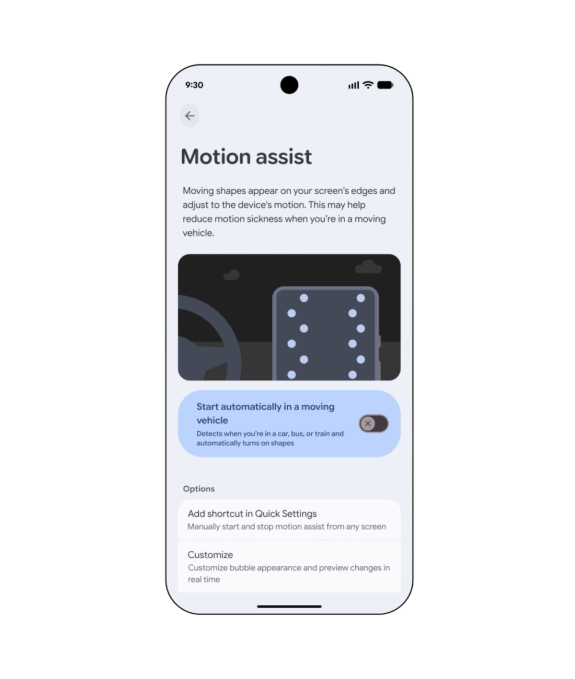
Undoubtedly the standout addition is “Motion Assist,” engineered specifically for individuals who suffer from travel sickness while looking at their phones inside moving vehicles. The tool superimposes a dynamic screen overlay that shifts in tandem with the car’s movement, minimizing the sensory conflict between physical motion and visual perception.
However, the underlying idea isn’t entirely unprecedented. Apple previously rolled out its own variant, known as “Vehicle Motion Cues,” back in 2024, which relies on animated marginal dots reacting to vehicular motion.
Android 17 users can configure “Motion Assist” to launch automatically, pin it directly to their Quick Settings, and tailor the overlay’s color palette, geometric shape, and opacity levels according to their preferences.

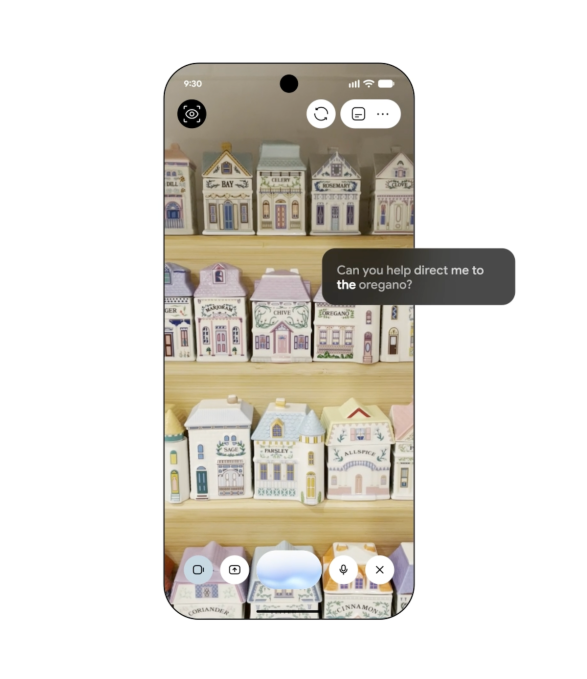
Google is also deploying “Guided Vision,” a specialized tool crafted for low-vision and blind users. By pairing the device’s camera power with Gemini intelligence, it assists with everyday actions like deciphering fine print on grocery packaging, reading restaurant menus in dimly lit environments, or identifying household objects.
Furthermore, the system offers real-time audio prompts if the camera framing is off, instructing individuals to shift their phone position, pan across a space, or center a target. This function is rolling out to devices operating on Android 9 or newer wherever Gemini is supported.

A separate upgrade gives Gemini an innovative way to track everyday items. A new “remembered items” category inside Find Hub lets users verbally tell Gemini where they have placed specific belongings—such as storing a passport in a nightstand drawer—allowing Gemini to log that detail within Find Hub. Users can even upload a picture to make locating the object much simpler later on.
On top of that, Google is weaving Google Keep directly into Google Messages, enabling users to collaboratively review, share, and update travel checklists, shopping needs, and notes straight from an active text thread.

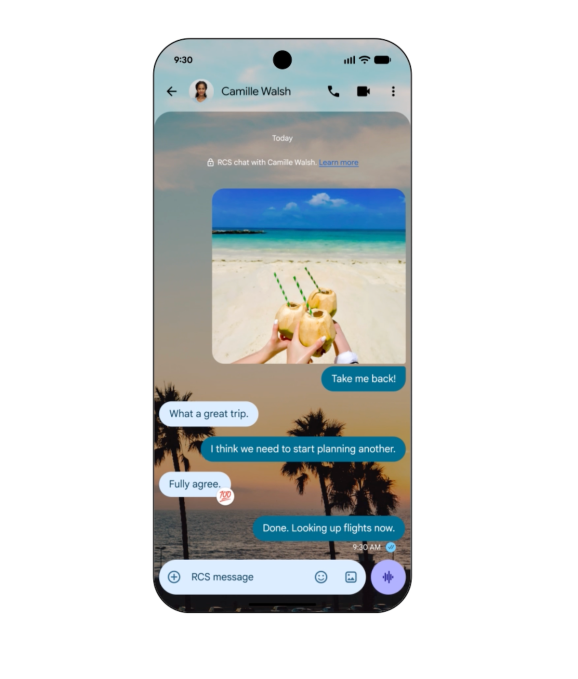
Google Messages is also receiving expanded visual flair. Users will gain the freedom to style separate conversations using custom color palettes, personal images, and backdrops, with message bubbles automatically adjusting to match the aesthetic.
Apple introduced a comparable custom background feature to its own messaging platform last year.