

For a long time, the most prominent artificial intelligences could only handle text. You typed in a query, and they replied in writing. Today, a fresh breed of model is shifting the paradigm: multimodal AI. It accepts photos, audio files, scanned documents, or videos as inputs, and can combine these varied sources to deliver far richer answers. Practically speaking, you can snap a picture of an invoice and let the model extract the total amounts. You can record a meeting and have it generate comprehensive minutes. You describe an image, and it renders it. This capability lifts AI far beyond pure writing assistance, extending its reach into hands-on, field-based professions.
How Does a Multimodal Model Work?
Traditional AI architectures, such as the earliest versions of ChatGPT, were unimodal: they processed text exclusively. Conversely, a multimodal model must juggle entirely different forms of data: words, pixels, and acoustic frequencies. The core technical challenge lies in forging a unified, shared representation for these heterogeneous inputs. For instance, the written word “pancreas,” an MRI scan of a pancreas, and the spoken sound “pancreas” must all be synthesized into a single, cohesive entity that the algorithm comprehends.


Two primary approaches currently exist. The first, known as natively multimodal, is championed by Google for its Gemini model: the AI is trained from the ground up on multiple data types simultaneously. The second method stitches together specialized modules (one dedicated to text, another to imagery) around a central core model. For the end user, the difference is mostly felt in terms of fluency: native models reason directly over images or audio without having to translate them into text first, a conversion step that often risks losing valuable context.
What Are the Practical Applications by Profession?
The appeal of multimodal AI goes well beyond theory. It addresses concrete needs across a wide variety of industries. Here is a breakdown of the most common use cases:
| Input Modality | Typical Use Case | Target Professions |
|---|---|---|
| Text documents and images | Data extraction from invoices, contracts, and scanned forms | Accounting, administration, legal |
| Product or location photos | Object identification, sizing advice, or model recommendations | Retail, logistics, customer service |
| Audio (meetings, dictations) | Automated transcription and summarization | Management, healthcare, training |
| Video or camera feeds | Gesture analysis and anomaly detection on production lines | Manufacturing, security, maintenance |
| Medical imagery (MRI, X-rays) | Analysis and cross-referencing with written reports | Healthcare, clinical research |
Document Processing as an Instant Quick Win
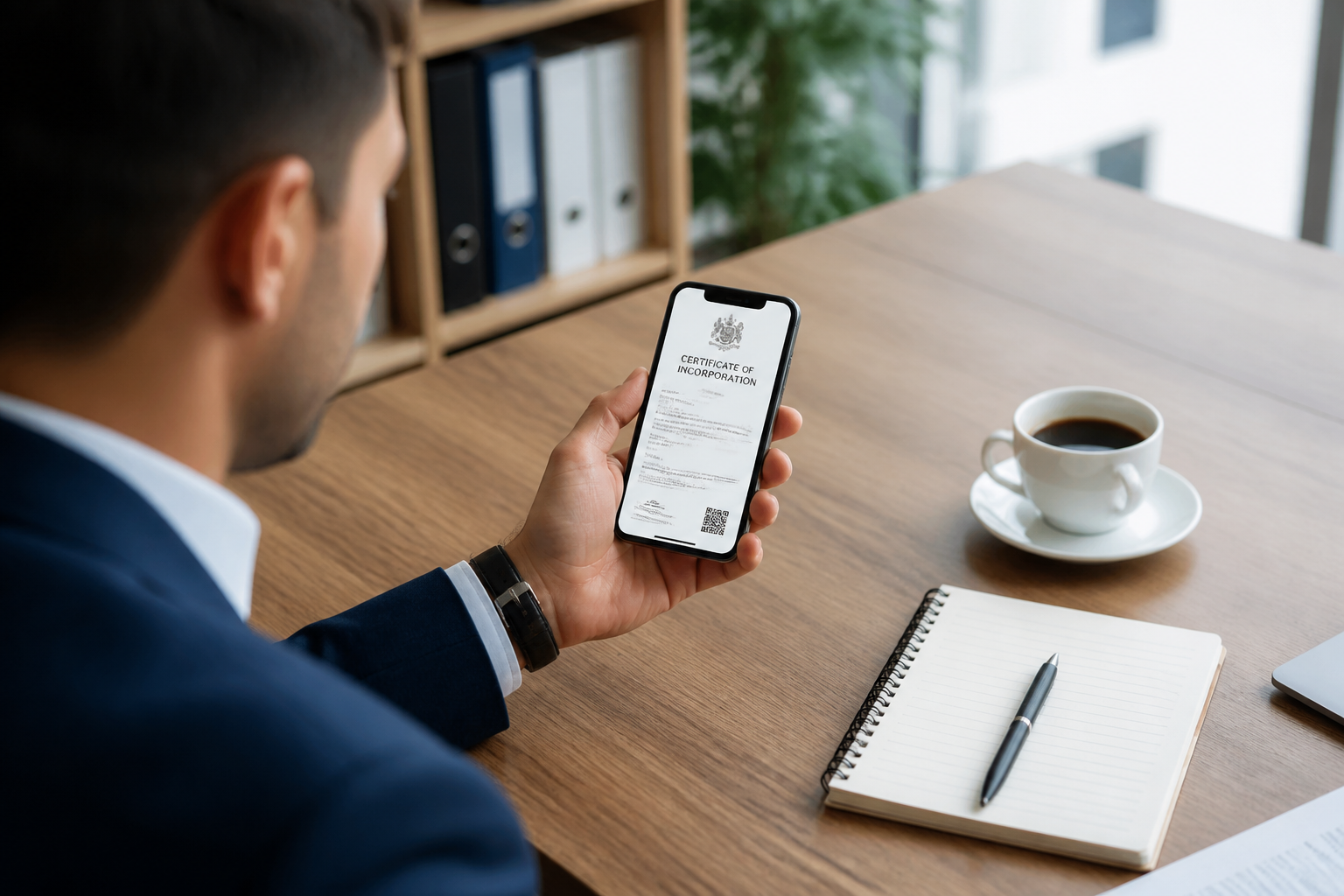
The most immediate and profitable business application is the handling of paper or scanned documents. While traditional OCR tools simply convert an image into plain text, a multimodal model truly understands the document. It can accurately extract monetary amounts, dates, contract numbers, and even verify whether the provided information is internally consistent. For small and medium-sized enterprises still flooded with paper bills, this spells the definitive end of tedious manual data entry.
Assistants That Can See and Hear
Imagine a chatbot capable of discussing your eyewear and recommending the right frame size based simply on a photo you share. Or picture a bird-identification app that recognizes a visual snapshot while simultaneously confirming its species by listening to an audio clip of its song. These operational examples demonstrate how multimodal AI makes digital interactions vastly more natural. Virtual assistants can now process voice commands alongside visual cues, rendering them significantly more capable than basic text-only chat interfaces.
What Are the Limitations and Risks?
Transitioning from a unimodal to a multimodal model is not without its hurdles. To begin with, these systems are trained through different means: text algorithms learn from words, vision algorithms learn from pixels, and auditory models learn from frequencies. Aligning them into a single, cohesive representation requires massive quantities of meticulously annotated data.
Furthermore, anti-hallucination rules apply across all modalities universally. A figure extracted from an invoice must be verified just as strictly as generated text. Misinterpreting a photograph can lead to critical diagnostic errors or entirely inappropriate product recommendations. Ultimately, multimodality does not eliminate the need for human oversight; it merely shifts it.
Finally, there is an often-overlooked factor: photographs and audio recordings frequently capture human faces and voices. These data streams fall squarely under privacy regulations like the GDPR and must be properly logged in the company’s data processing registry. Deploying multimodal AI on client documents without taking these precautions invites serious legal exposure.
Why This Is Currently the Most Underutilized Feature
Many companies are already paying for software licenses that include vision and audio capabilities, yet their teams continue to manually type text into tools that could easily process their documents, photos, and meeting recordings instead. The quickest productivity boost available today involves identifying the three non-text workflows that currently drive the heaviest manual entry workloads: invoices, paper forms, meeting summaries, and site photos. Testing these workflows over the course of a week with real data makes it easy to measure return on investment before rolling them out globally.
Multimodality will never replace human expertise, but it successfully brings the un-digitized workflows—which form the backbone of daily life in smaller organizations—directly into the realm of AI. The real choice isn’t whether to adopt it, but rather deciding where to start.