

A sluggish computer every morning, a missing file, a postponed update left hanging for six months, a server crashing right on a Monday. Each separate incident might seem trivial on its own. Yet, combined, they drain your budget far more significantly than a proactive maintenance agreement ever would. Small businesses and mid-sized enterprises usually bear the brunt of this issue due to a lack of time and structured methods. Here are the most prevalent mistakes and, more importantly, how to address them before they lead to exorbitant repair bills.
Waiting Until Things Break: A False Economy
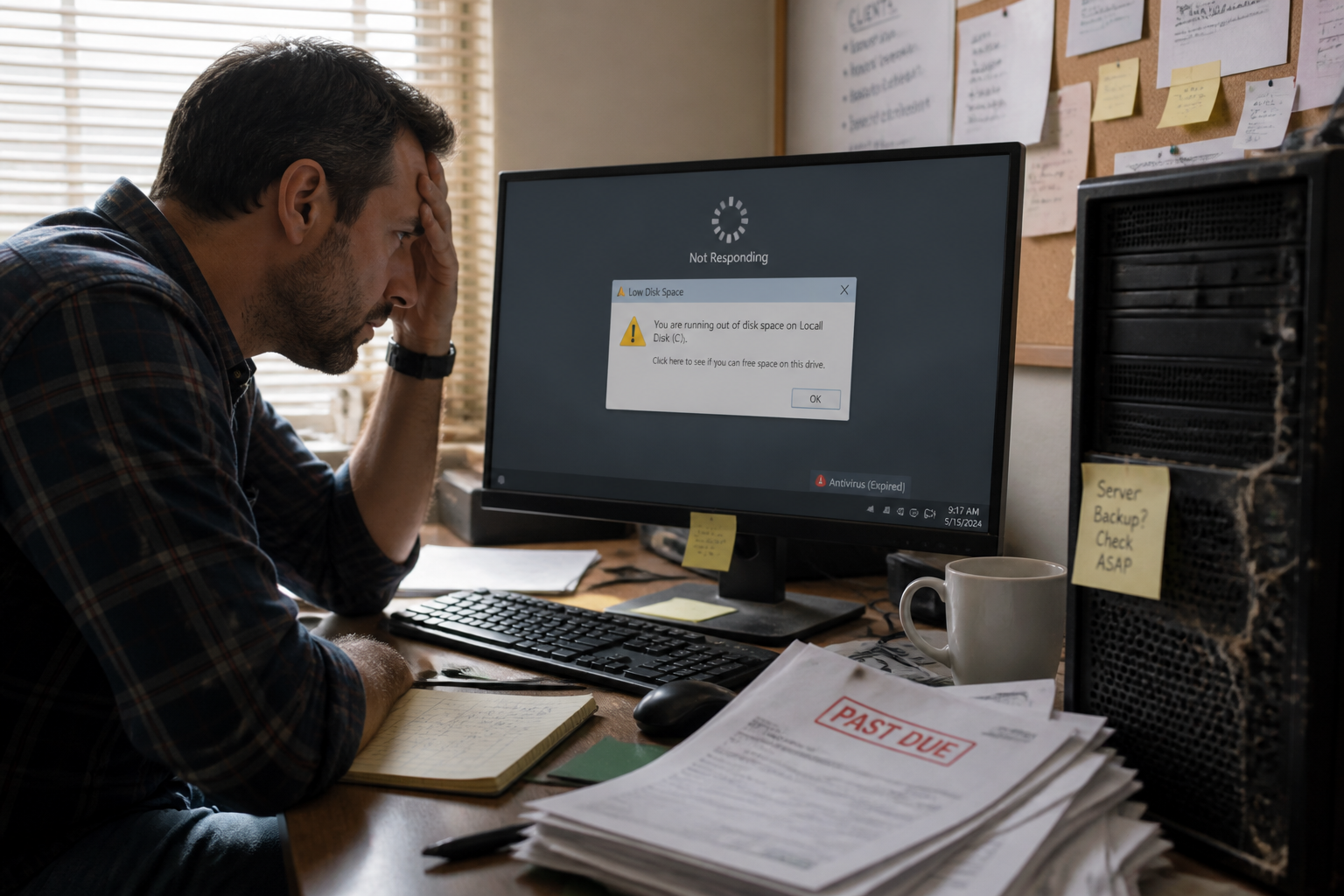
Many organizations still operate under the “call someone when it stops working” philosophy. This mindset appears cheaper at first glance. In reality, it multiplies emergency service calls, business interruptions, and hidden costs. A nearly full hard drive, an expired antivirus subscription, delayed system updates—these issues snowball behind the scenes until they trigger a massive outage. A monthly or quarterly preventive visit, complete with a checklist and report, usually costs far less than a single emergency fix resulting in halted production.


Embracing regular proactive maintenance changes the game entirely. It relies on simple routines: verifying backups, checking hardware health, and running security audits. While these actions might not seem glamorous, they prevent catastrophic failures from happening in the first place. Without this mindset, companies simply react to their technology rather than managing it proactively.
Assuming Backups Work Without Ever Testing Them
Most small and medium-sized businesses have “something” resembling a backup system: a NAS device, an external hard drive, or a cloud solution. However, without routine testing, nobody actually knows if these backups are complete, recent, and most importantly, restorable. The day a critical file, database, or server needs to be recovered, teams often discover that the backup was incomplete or completely corrupted.
Common backup pitfalls include:
- Restoration drills that are never performed
- Backups stored in the exact same physical location as the original data
- Lack of an offsite or cloud-based backup strategy
Make sure to schedule regular recovery tests and keep offsite copies for your critical assets. A dependable backup strategy depends on automated, externalized routines rather than a manual file copy done once a month.
Overlooking Software Updates and Network Security
System updates are frequently dismissed as a waste of time. People postpone them, ignore them, or click “remind me later.” Yet, they patch critical security vulnerabilities. Combine neglected updates with weak passwords, unmanaged antivirus software, and insecure Wi-Fi networks, and you create an inviting playground for cybercriminals.
An outdated system quickly turns into an easy target. Simple passwords like “123456” or the company name can be cracked in mere seconds. A single phishing email can result in credential theft, malware infections, or total network compromise. To mitigate these threats, enable automatic updates, enforce long and complex passwords, turn on two-factor authentication, and deploy a professional firewall alongside a secure Wi-Fi setup.
Proper centralized patch management and security oversight are vital, far beyond simply installing an antivirus program once. Comprehensive IT maintenance must incorporate these security checks systematically.
Maintaining an Overly Diverse Hardware Fleet
A Windows 7 workstation tucked in a corner, an aging laptop that has never been reformatted, various versions of the Office suite, and printers from entirely different manufacturers. Every hardware exception complicates ongoing maintenance. The more heterogeneous your equipment pool is, the harder it becomes to manage, secure, and troubleshoot quickly. Technicians waste precious time hunting down specific drivers or unique configurations, causing support expenses to skyrocket.
The ideal approach is to standardize hardware and software as much as possible. This streamlines updates, minimizes software conflicts, and simplifies the work of your support provider. A uniform IT asset management strategy also helps you anticipate hardware upgrades and avoid unpleasant surprises.
Failing to Train Employees on Best Practices
Employees are frequently the primary target of cyberattacks, particularly via phishing scams. A single deceptive email can lead to stolen credentials, virus installations, or unauthorized access to the company network. Despite this risk, many businesses completely neglect employee cybersecurity training.
Educating your staff on cybersecurity best practices is a high-return investment: teaching them how to spot a suspicious email, avoid dubious links, and report abnormal behaviors. These simple habits significantly boost overall security without incurring heavy hardware costs. A clear security policy outlining password rules and access permissions rounds out this training effort.
Waiting for a Breakdown to Take Action
Some companies only address their IT infrastructure when something breaks. This reactive strategy leads to costly downtime, steep repair bills, and sharp drops in productivity. According to IDC research, the average cost of an hour of IT downtime for a small business exceeds 10,000 euros, factoring in lost productivity, missed deadlines, and client dissatisfaction.
A well-organized preventive maintenance schedule cuts down these interruptions, improves tool stability, and reinforces data protection. It provides teams with a reliable technological foundation rather than a succession of emergencies. For smaller enterprises, outsourcing this maintenance to a qualified service provider grants access to structured tools and processes without the need to build an expensive internal IT department.
Comparing Maintenance Approaches
| Maintenance Type | Objective | When to Use It |
|---|---|---|
| Corrective | Fix what is broken | After an incident (frozen workstation, overloaded server) |
| Preventive | Prevent issues before they occur | Regularly (system updates, backup verification) |
| Adaptive | Adjust systems to business growth | During changes (migrations, adding new users) |
| Predictive | Act prior to a failure | Via monitoring (failing hard drive, performance drops) |
An organization that relies purely on corrective fixes is constantly playing catch-up with its technology rather than driving its business forward. Preventive and predictive maintenance strategies are the most powerful levers for reducing hidden costs and operational downtime.
Outsourcing vs. In-House Management: A Resource Question
For small and medium businesses, internal resources rarely suffice to cover every domain simultaneously—networks, security, servers, backups, and user workstations. Managed IT services, which involve delegating all or part of your technology stack to an external partner, directly solve this challenge. A reliable service provider delivers a single point of contact, structured tools, and technical expertise that is often missing internally.
Before selecting a partner, ensure they offer regular oversight, recovery testing, centralized patch management, and responsive support. Compare offers based on the scope of coverage, response times, and pricing. A well-structured maintenance contract is significantly cheaper than repeated emergencies and data loss. To make the right choice, read our guide on how to efficiently choose the right IT service provider for your business.
Do not overlook proper IT infrastructure management either: a well-organized inventory with up-to-date hardware and planned renewals prevents surprises and makes the vendor’s job much easier.
Do Not Let Bad Habits Dictate Your IT Budget
IT maintenance oversights are not inevitable. They typically stem from a lack of organization rather than bad intentions. Correcting these shortcomings does not necessarily require massive financial investments; instead, it calls for a more disciplined approach: routine updates, backup testing, team training, and hardware standardization. Each simple step lowers the risk of an expensive failure.
If you still manage your technology strictly “when you have the time,” ask yourself this: how much does one hour of business downtime cost you? The answer usually justifies switching to outsourced preventive maintenance. To get organized, check out our guide on how to efficiently organize corporate IT asset management. Investing in a maintenance agreement is a strategic choice, not an expense. The cost of inaction, conversely, shows up clearly on your emergency repair bills and in your lost productivity.